

Tech Consulting
AI Business Automation
Business Process Automation
AI Integration
Document Automation
Cost Management Software
Client Portal
Scheduling
Punch List & Handover
Software Integrations
Construction Punch List & Handover Solution


Why Handover Turns Into a Snag-List Nightmare
Snags Everywhere
Digital Punch List
Clients in the Dark
Live Client Portal
Stalled Sign-Offs
Approval Sync
Defect Tracking & Automated Assignment
Client Portal with Real-Time Progress & Photos
Change Order & Approval Sync
Handover Documentation & Digital Sign-Off
How It Works
Step 01Your team logs each snag from a phone, with a photo and its exact spot on the plan. Good snagging software also works offline, so a basement with no signal still captures everything.
Capture Snags on Site with Photos and Location
- Photo and location
- Offline capture
- Tag by room
- Assign on the spot
Step 02Each snag routes to the subcontractor who owns that trade, with a due date attached. This is where defect management software saves your PM from the daily status chase.
Auto-Assign Defects to the Right Subcontractor
- Route by trade
- Due date set
- Status auto-tracked
- Reminders for overdue
Step 03Your client opens their portal and sees every snag close in real time, with before-and-after photos. Behind it, punch list management software keeps your list and theirs identical, so nobody argues over what is done.
Client Reviews Progress and Approves in the Portal
- Live progress view
- Photo evidence
- Approve in portal
- One shared list
Step 04When the last snag closes, the construction handover pack builds itself from the record: photos, sign-offs, warranties, and certificates. Your client signs digitally, and close-out finishes the same day instead of weeks later.
Generate the Handover Pack and Sign Off Digitally
- Auto-built pack
- Warranties included
- Digital signature
- Same-day close-out
Success Stories
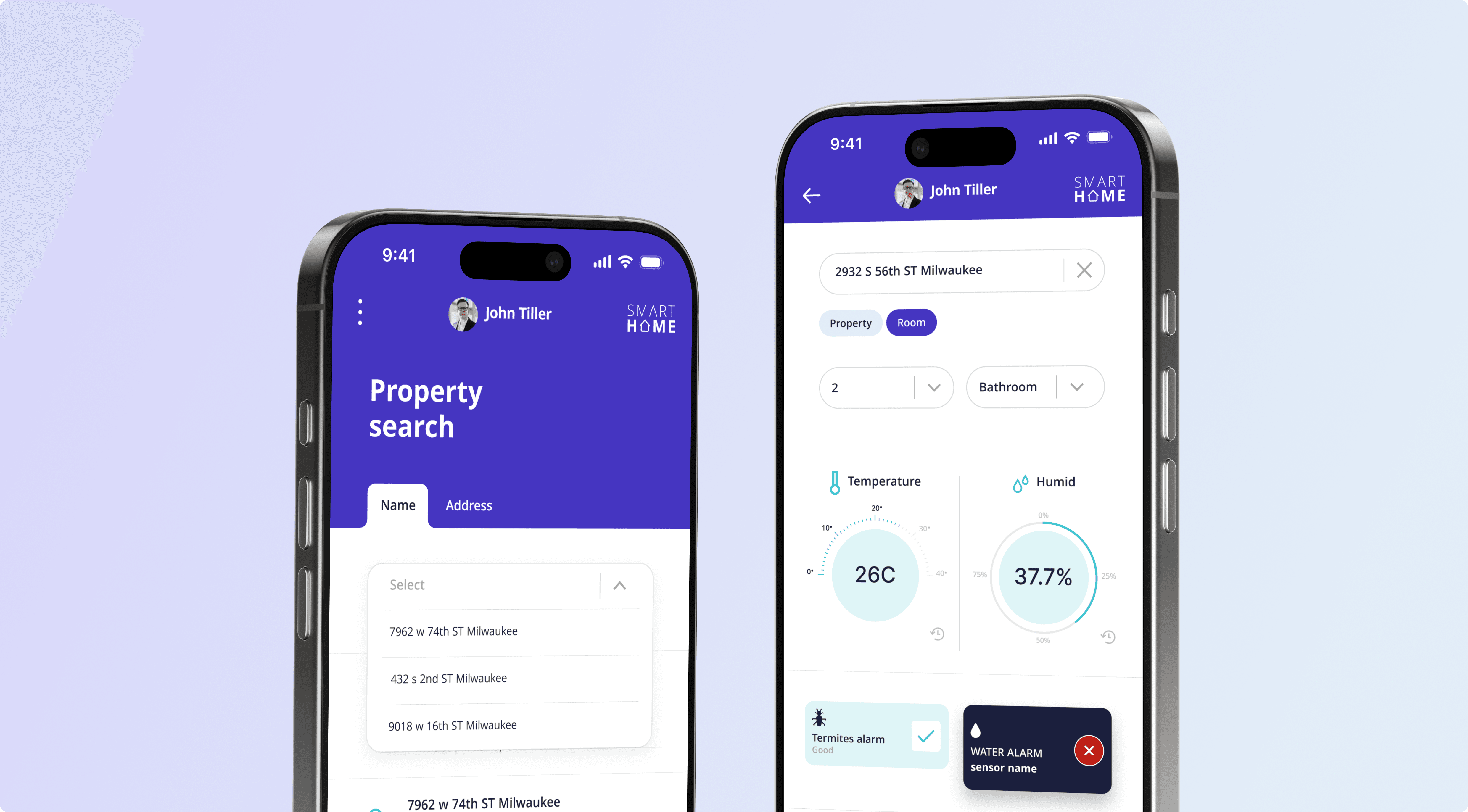
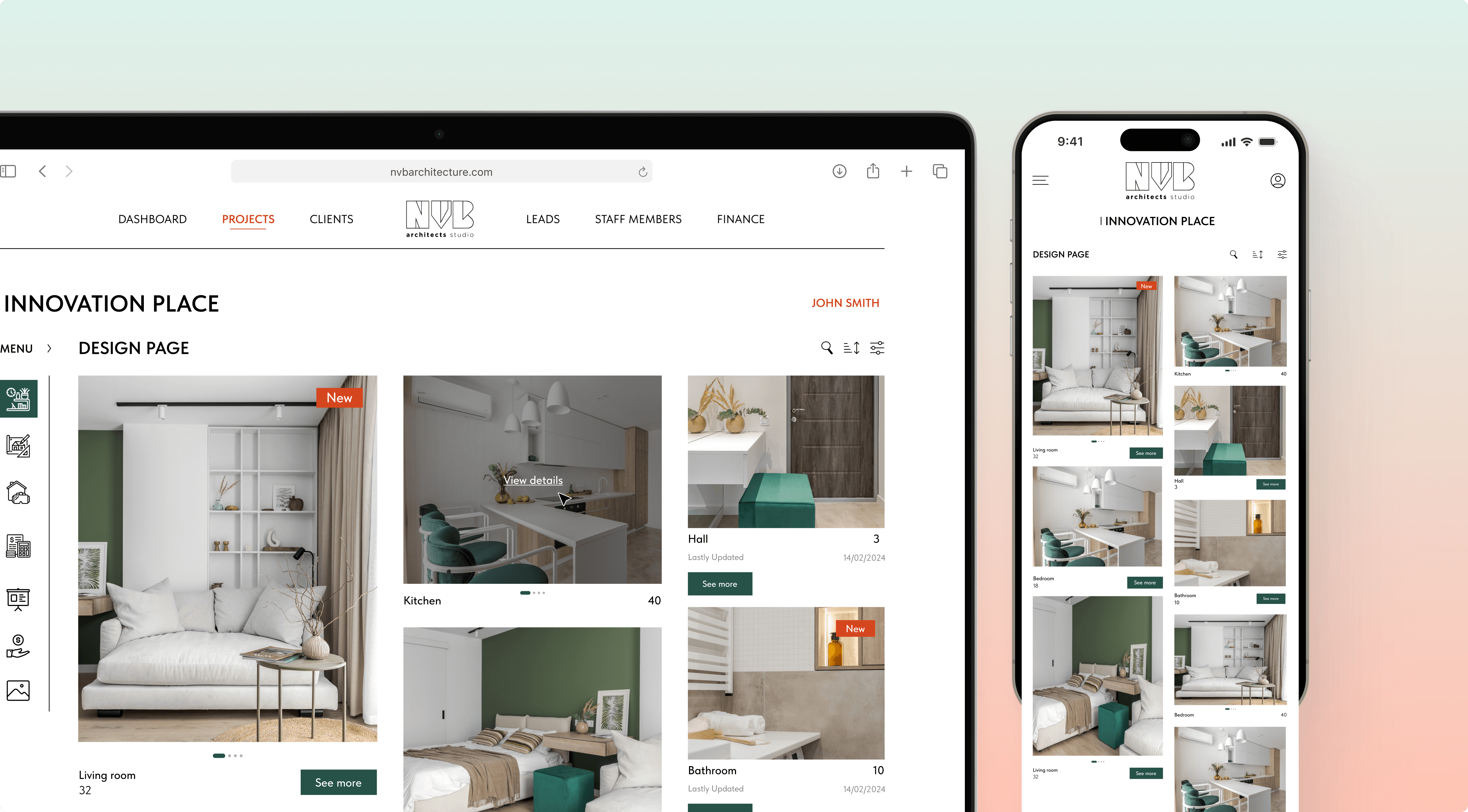
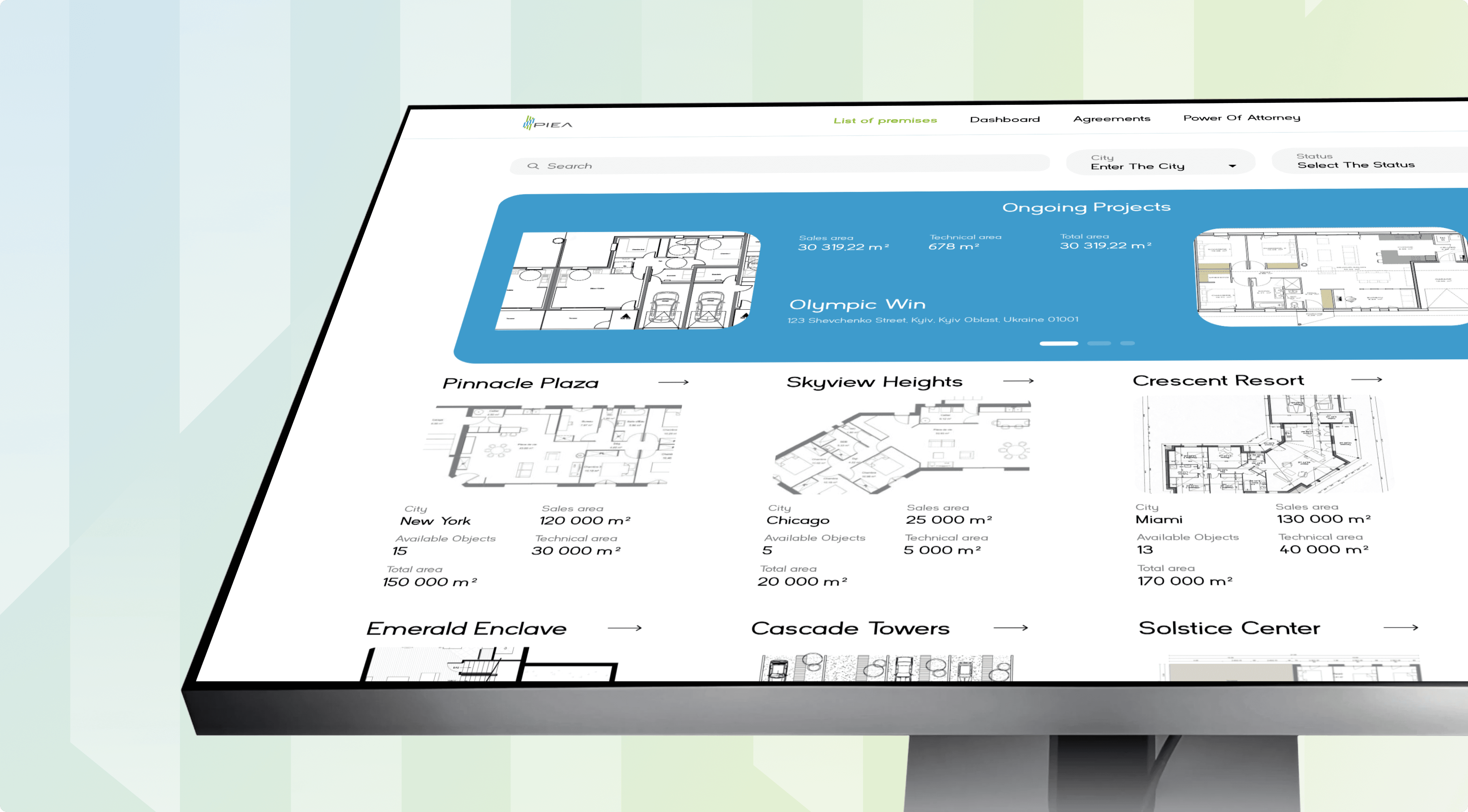
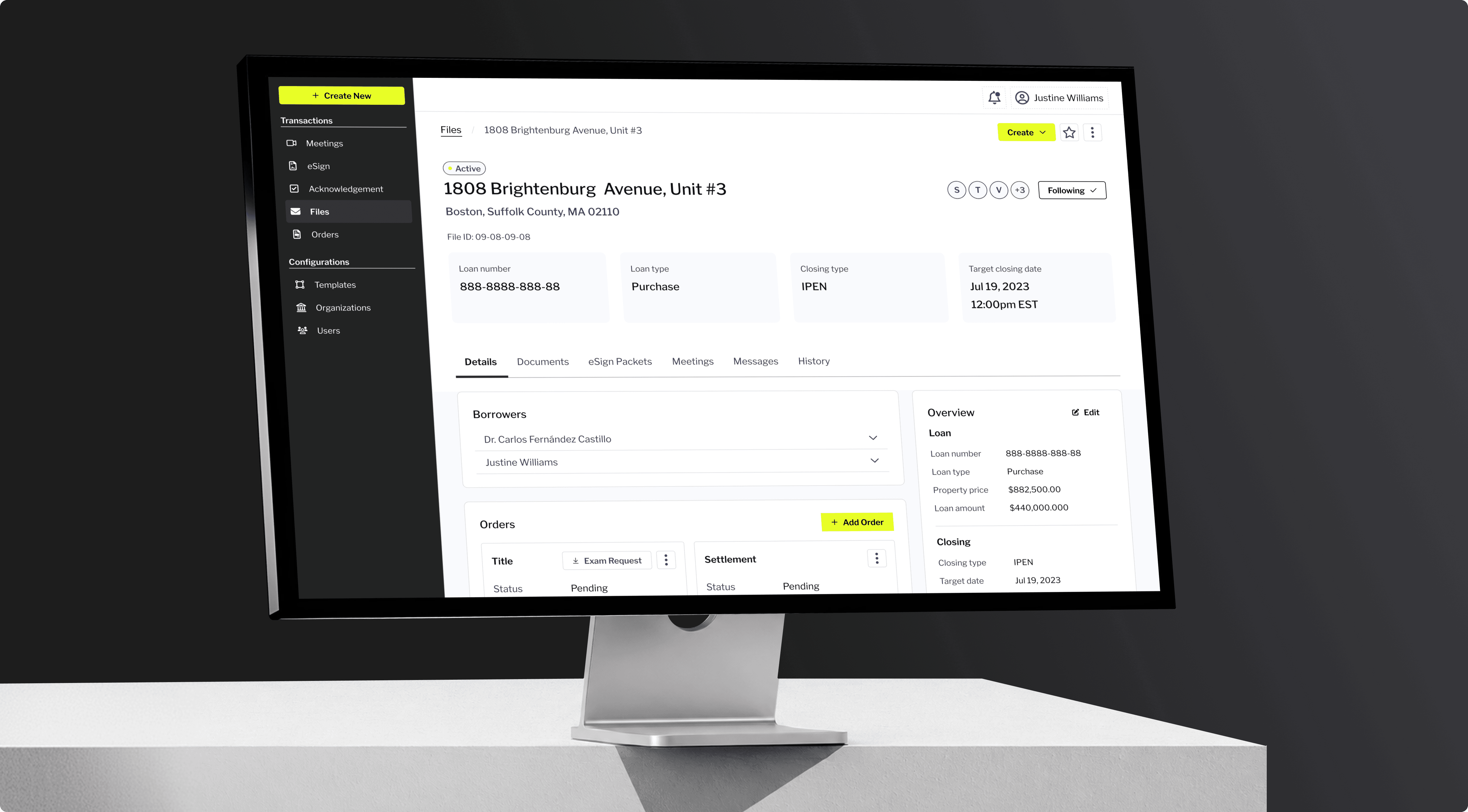
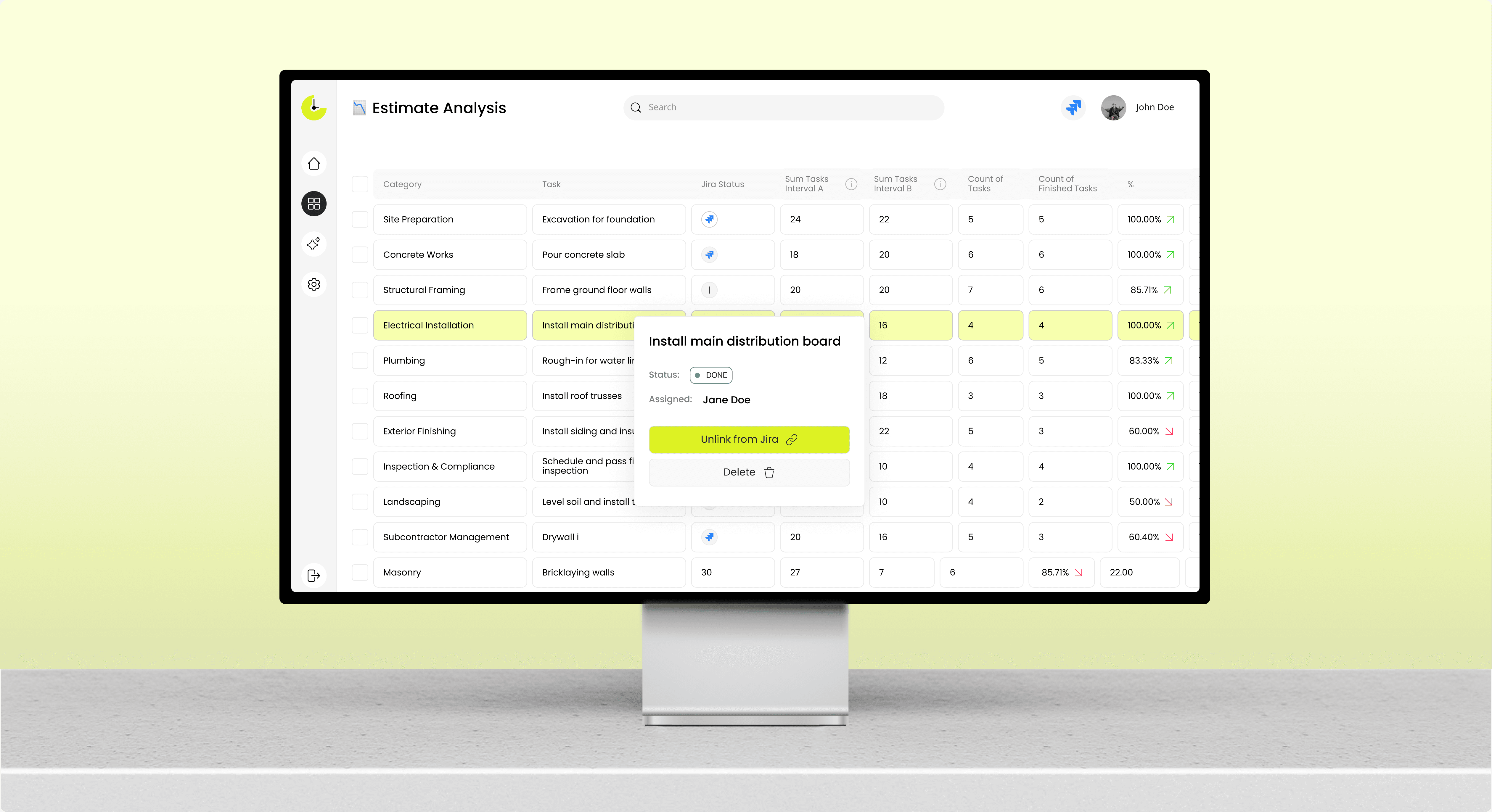
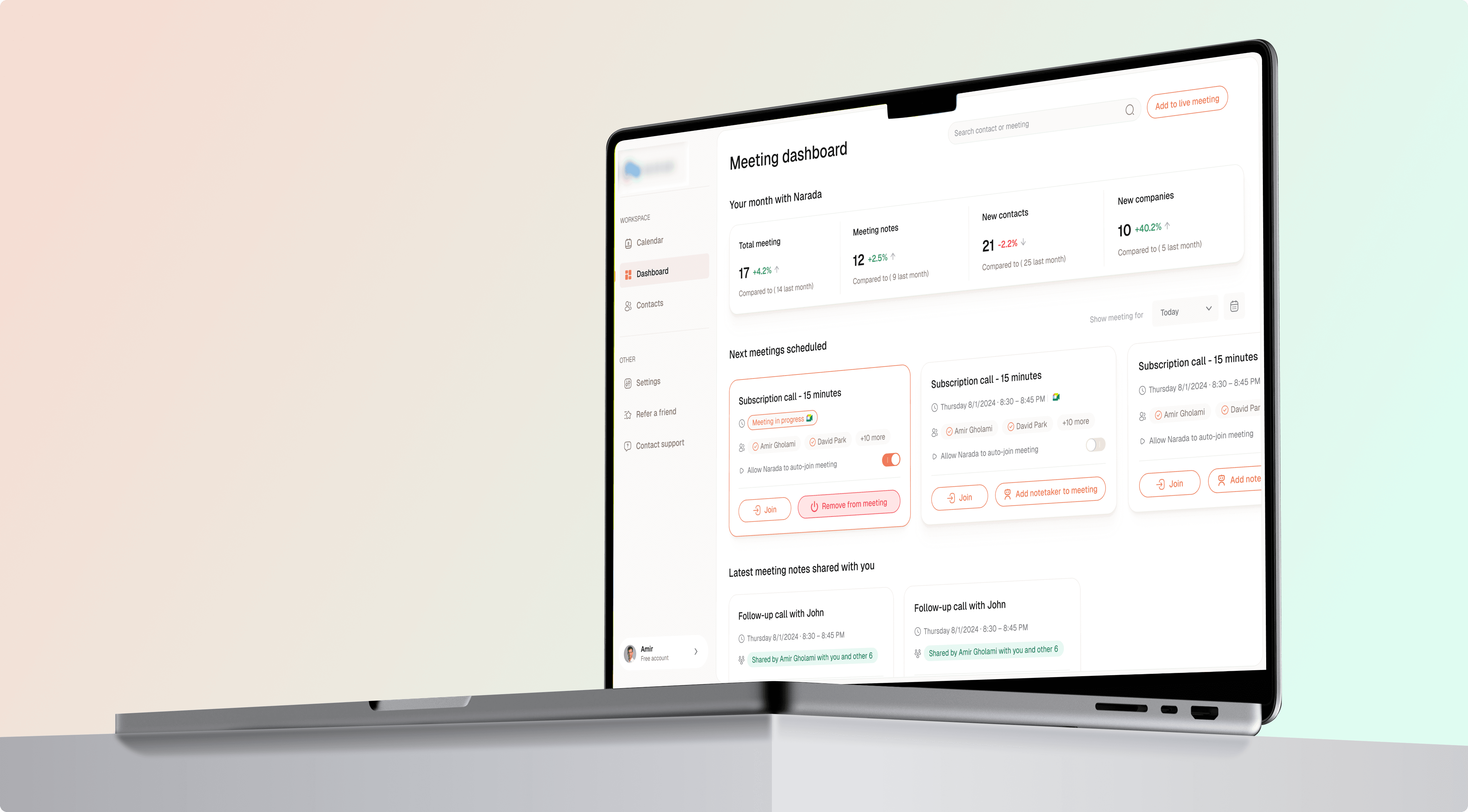

Proven Results
50%
Higher client satisfaction scores150+
Projects successfully delivered55%
Faster project close-out40%
Fewer repeat site visitsIntegrations
Project Management & BIM (Procore, Autodesk)
ERP & Accounting (change orders → cost)
Mobile & Offline Field Apps
Ready to Take Control of Your Construction Budget?
Explore Our Other Construction Solutions
Construction Client Portal Solution
Construction Cost Management Software
Construction Document Automation
Construction Scheduling Solution
Construction Software Integration Solution
Testimonials
5.0Based on 27 reviews


Leo Kudryavtsev
Founder & Principal Solution Architect, Softrange Technology
David Park
CEO of Narada AIIncora always delivered on time and in many cases went above and beyond to build beautiful, robust UI interfaces for us.

Maysam Lavasani
CEO of Lexie.aiIncora developers are quite smart and great programmers. Both are top 10% of people I have worked with.

Daniel Bosch
Co-Founder, CampcruisersWe've hired a programmer from Incora, who is working on all our plug-ins. I'm very happy with the one developer we've been assigned.

Thomas Hambridge
CEO of Health ExploreThe map was designed and built in a short period of time and I was impressed with the results from the beginning.
Construction Tech Insights



FAQ About Punch List & Handover Software
What is punch list software?
Punch list software is a tool that captures every outstanding defect on a project, assigns each one to the right trade, and tracks it until it is fixed and signed off.
In practice, your team logs a snag from a phone with a photo and location, and the app sends it to the subcontractor who owns that work. Punch list management software then tracks each item's status, nudges anyone overdue, and shows your client the same live list you see. The cost sits in setup, mapping your trades and sign-off rules once, after which every project runs on the same flow.
What is the construction handover process?
The construction handover process is the final stage of a build, where you clear every snag, hand over documents and warranties, and get the client's sign-off that the project is complete.
It sits at the end of the wider construction process from start to finish, and it stalls when snags and approvals live in different places. Handover management software pulls the defect list, client approvals, and the document pack into one record, so close-out doesn't wait on a chased email. The tradeoff is upfront setup, since you map your checklist and sign-off chain once before the first project.
What should a construction handover checklist include?
A handover checklist should cover every open snag, all sign-offs, as-built drawings, warranties, operating manuals, and the certificates your client needs to occupy the building.
The list usually starts with a construction site inspection, where an inspector walks the building and logs every defect by location. From there, each item needs an owner, a due date, and photo proof of the fix before it can be ticked. Skipping the photo step is the common mistake, because a client who cannot see the fix asks for another site visit, and that is the cost you were trying to avoid.
How is snagging different from defect management?
Snagging is the site walk where you find and log defects; defect management is what happens next, tracking each one to closure. Good defect management software covers both in one flow.
A snag list in construction is the raw output of that walk, a list of things to fix. Construction snagging software captures it on site, and defect tracking then assigns, chases, and verifies each item until it is signed off. The difference matters at handover, because a captured snag that nobody owns is not progress; it is a photo waiting to become a repeat visit.
How is a custom solution different from Bluebeam or Fieldwire?
Bluebeam and Fieldwire give you a fixed punch list app on a per-seat price. A custom punch list software build runs on your trades, your sign-off chain, and the ERP you already use, with a one-time cost.
The honest tradeoff is start time. A packaged app runs this week, while a custom build takes weeks of scoping and integration first. Everything after that favors the custom route, since your cost does not climb with every foreman you add, and the handover pack matches what your client actually signs. For a small team on standard projects, the off-the-shelf app is usually the better economics.
Ready to Make Handover Painless?
Bring one project near close-out, and we will map your snag and sign-off flow before you commit to a build.


Anastasiia Pryshliak
Senior Partnerships Manager
Just pick a time. No forms.
30 minGoogle MeetNo commitment