Incora Construction logo
Tech Consulting
Build smarter technology strategies for construction
AI Business Automation
Automate repetitive work with AI-powered workflows
Business Process Automation
Streamline workflows and reduce manual processes
AI Integration
Connect AI capabilities to your existing systems
Document Automation
Automate document creation, processing, and approvals
Cost Management Software
Track project costs and control budgets in real time
Client Portal
Keep clients connected with projects and updates
Scheduling
Simplify project planning, scheduling, and coordination
Punch List & Handover
Manage defects, tasks, and project handover efficiently
Software Integrations
Connect your construction tools into one workflow

Construction Client Portal Solution

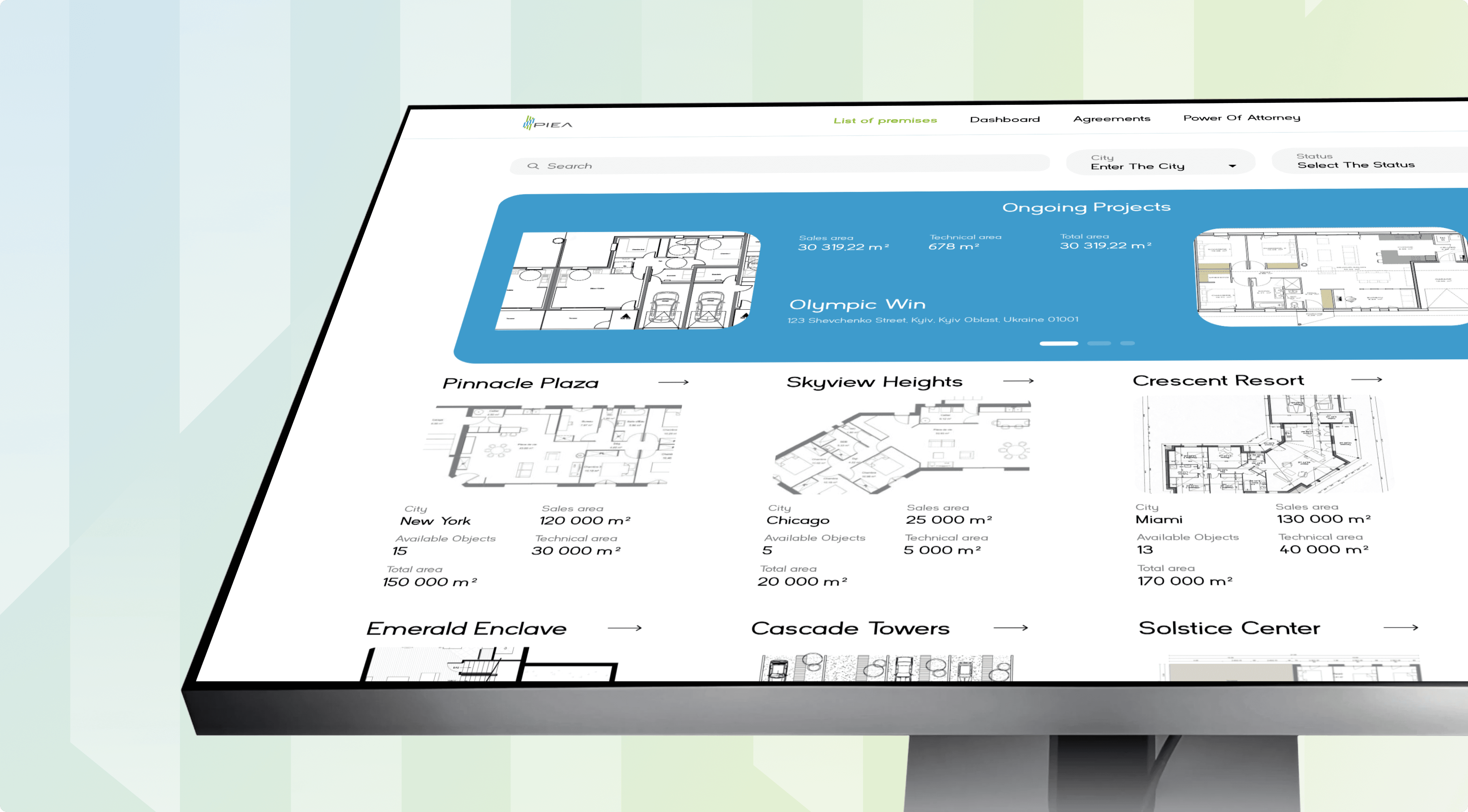
Give every client a live view of their build without adding a single status call to your week. Incora builds a custom construction client portal that pulls progress, photos, approvals, and change orders straight from the systems your team already runs.
Construction Client Portal Solution
ClutchG2UpworkGoodFirms

Why Clients Feel Left in the Dark During a Build

Clients judge your delivery by what they can see, and between site visits they see almost nothing. Office software tracks the build for your team, but the client side stays on email, leaving a construction customer portal gap nobody owns.
challenge #1

Update Chase

Clients ask the same question by email, call, and text every week.
solution #1

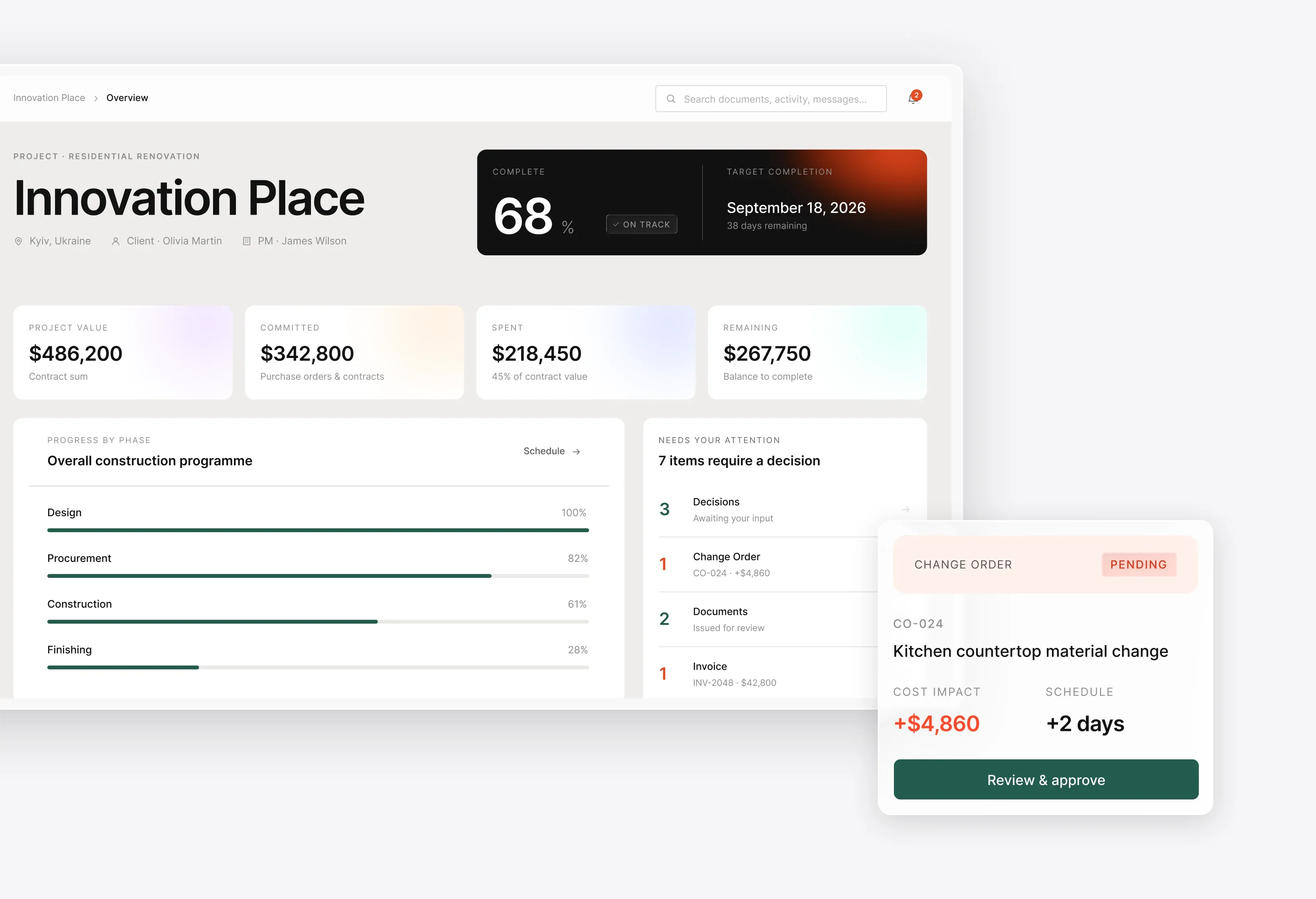
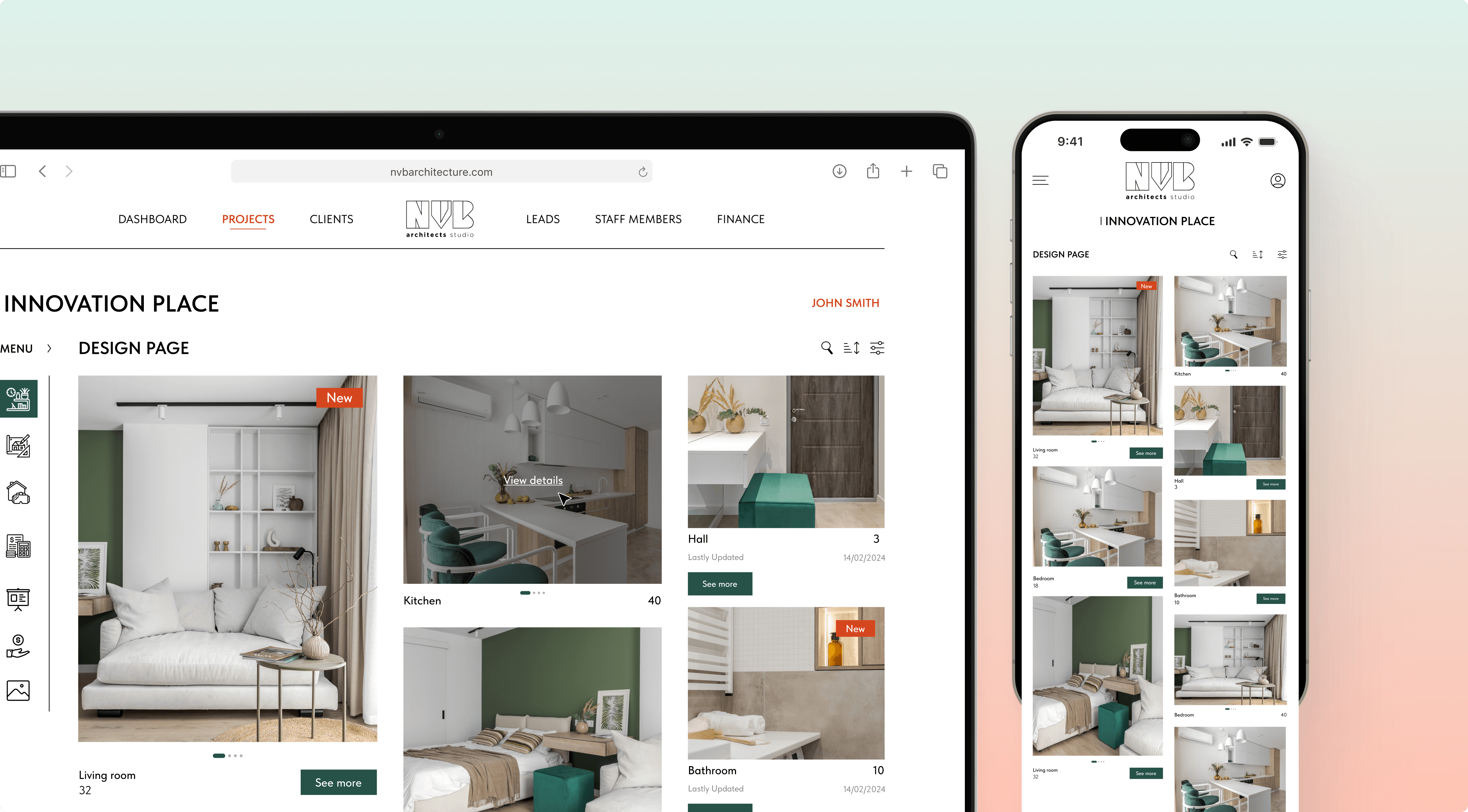
Real-Time Progress & Photo Feed
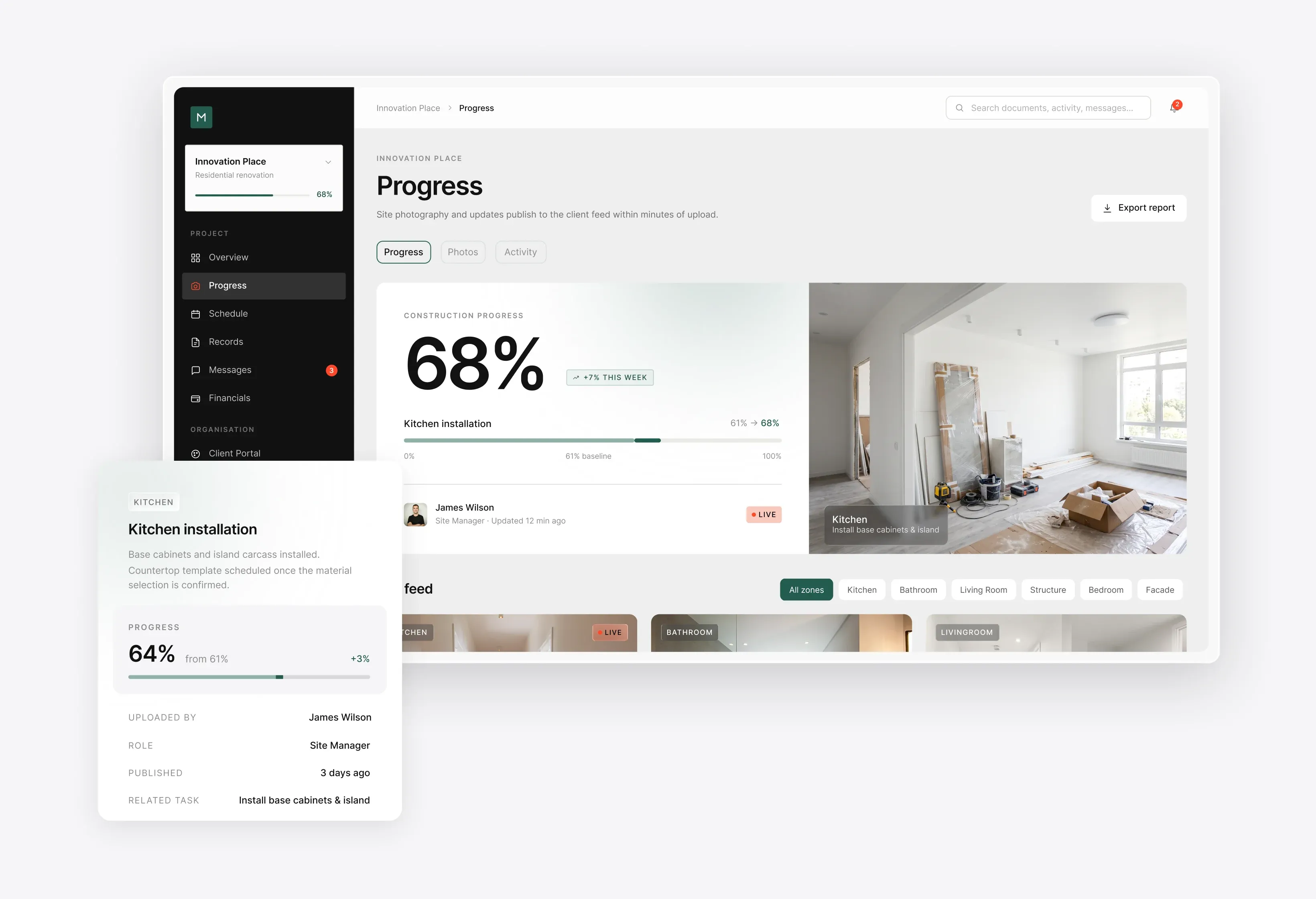
Site photos and progress land in the client's feed within minutes.
challenge #2

Blind Approvals

A variation gets signed on a call, with cost and time reconciled later.
solution #2

Live Cost Impact

Clients see the priced delta and schedule shift before they approve.
challenge #3

No Single Source

Selections, drawings, and sign-offs scatter across inboxes and drives.
solution #3

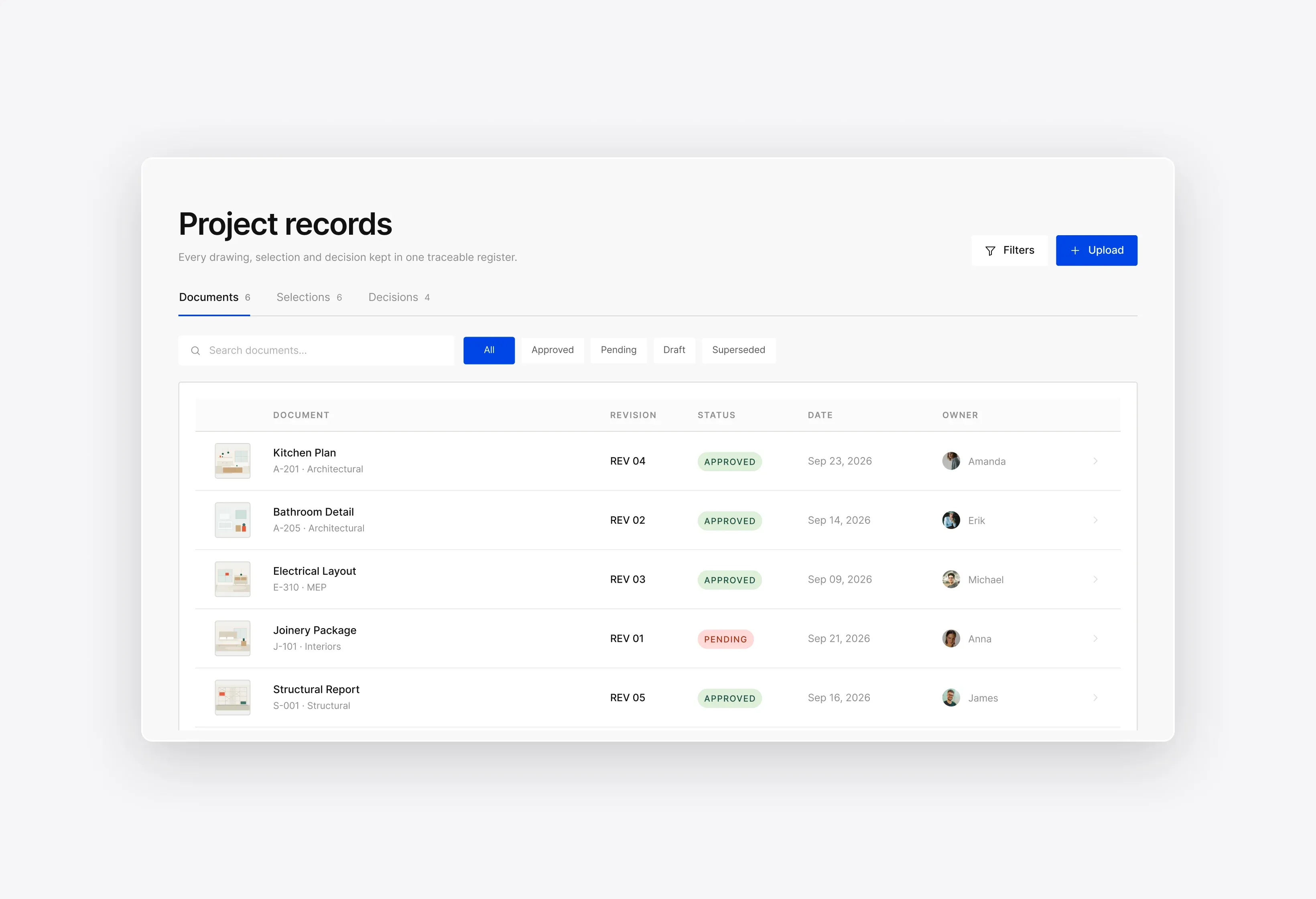
Shared Decision Log

Every document and approval sits in one store, versioned and timestamped.

Real-Time Progress & Photo Feed

Site photos and progress updates publish to the client feed within minutes of upload.
Real-Time Progress & Photo Feed

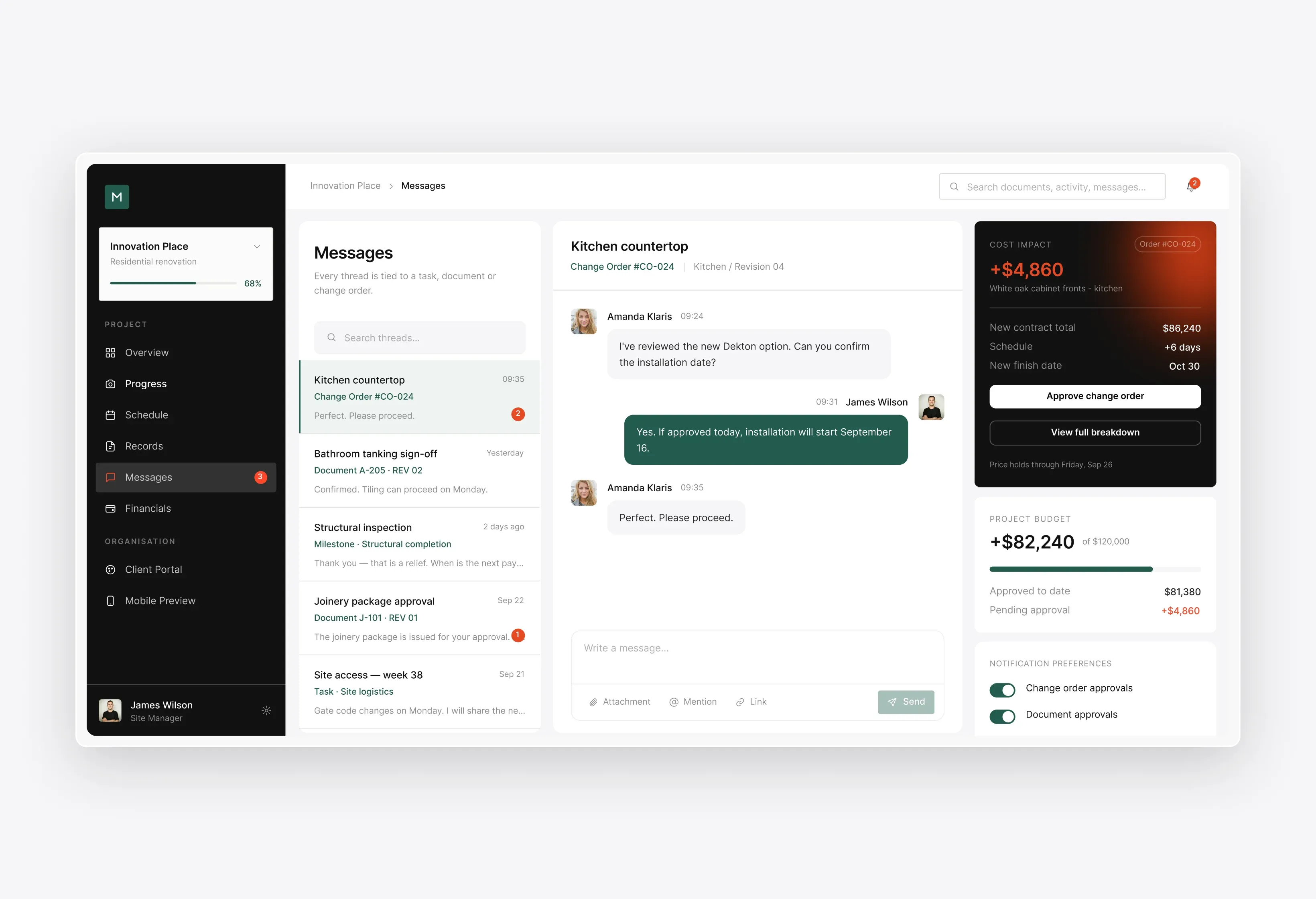
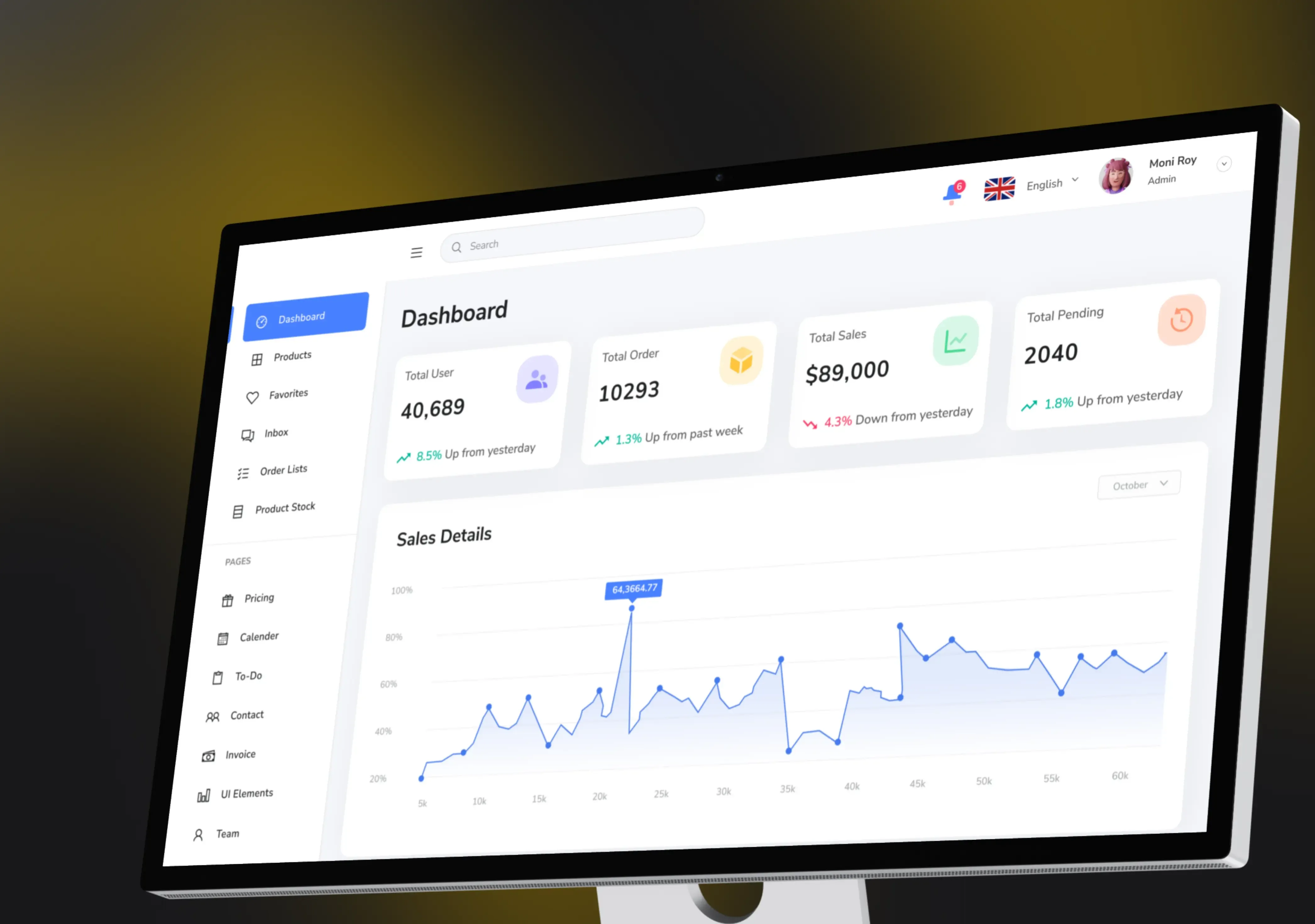
Change Orders & Approvals with Live Cost Impact

Clients see the cost and schedule delta before they approve, then sign in-portal.
Change Orders & Approvals with Live Cost Impact

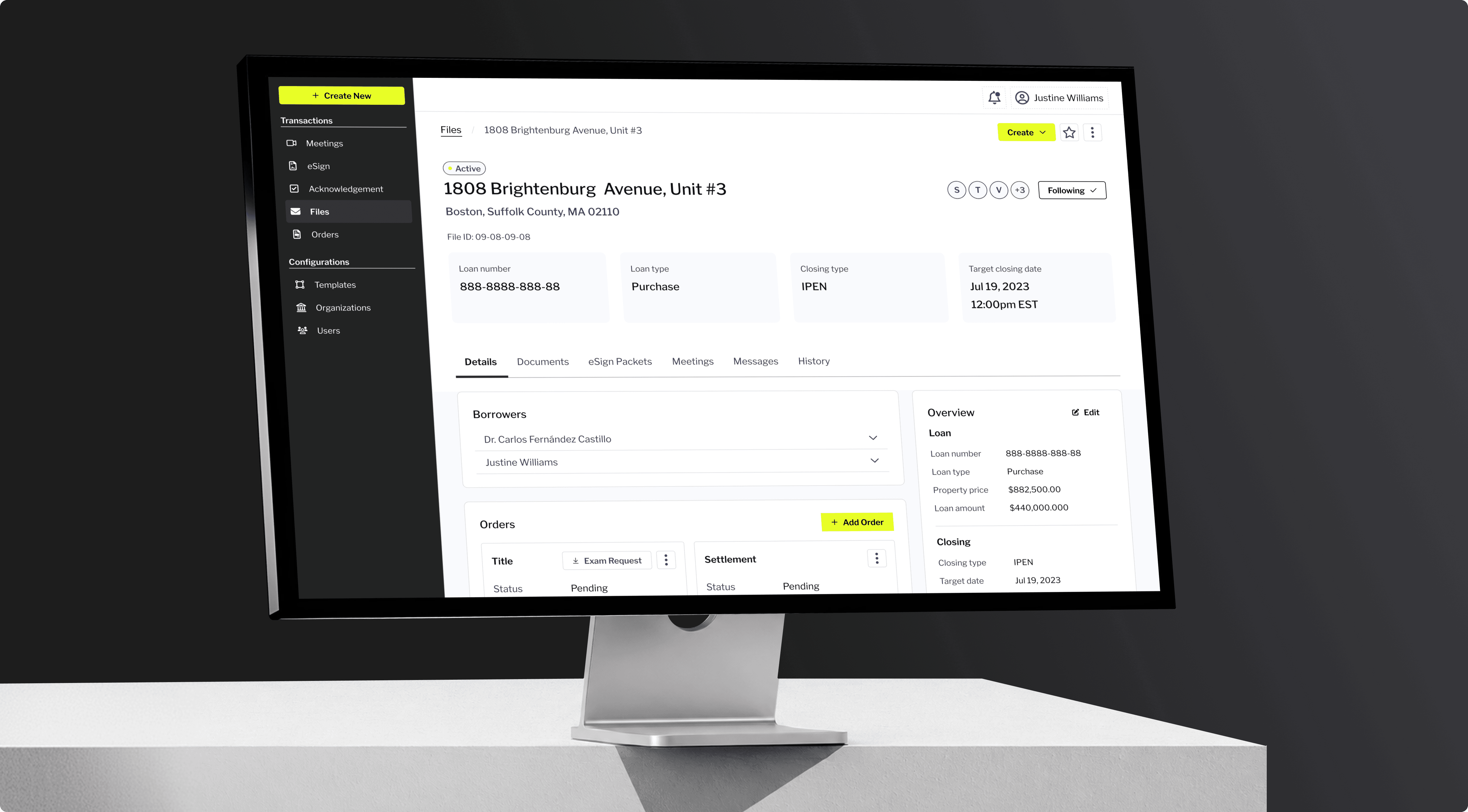
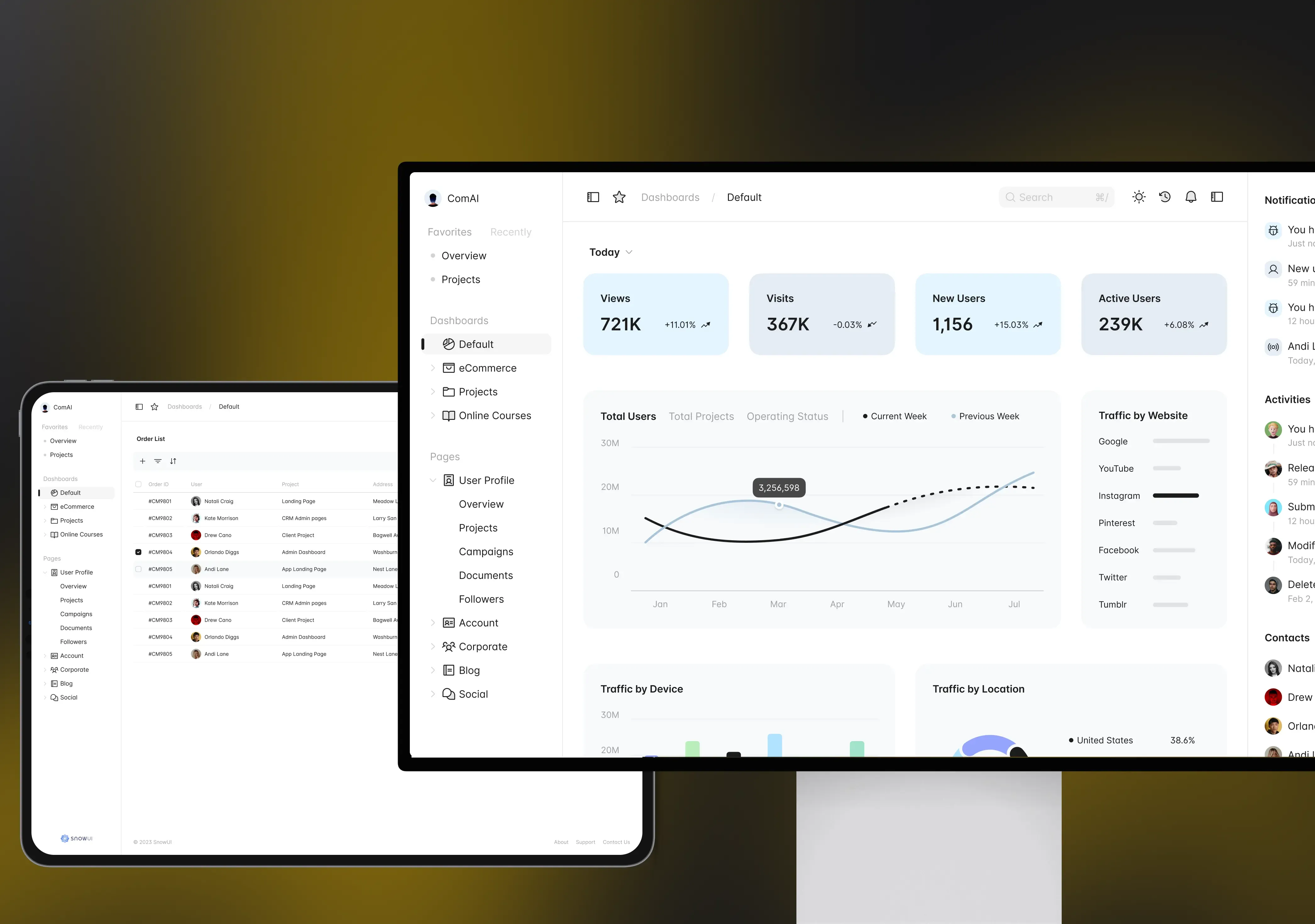
Shared Documents, Selections & Decision Log

Every drawing, selection, and decision stored once, versioned, with a timestamped approval trail.
Shared Documents, Selections & Decision Log

Two-Way Messaging & Notifications

Threaded messages tied to a specific task or document, with per-event notification rules.
Two-Way Messaging & Notifications

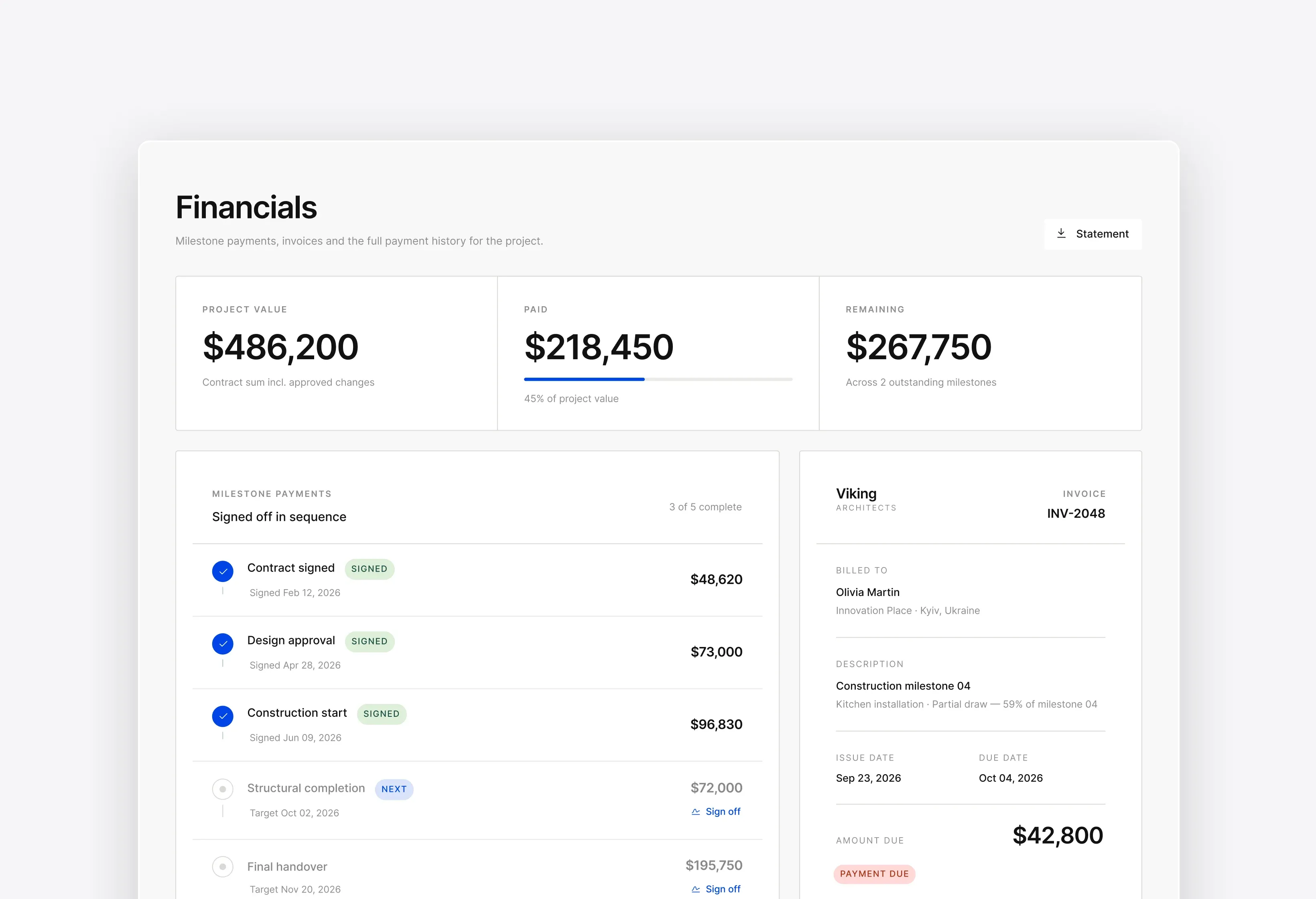
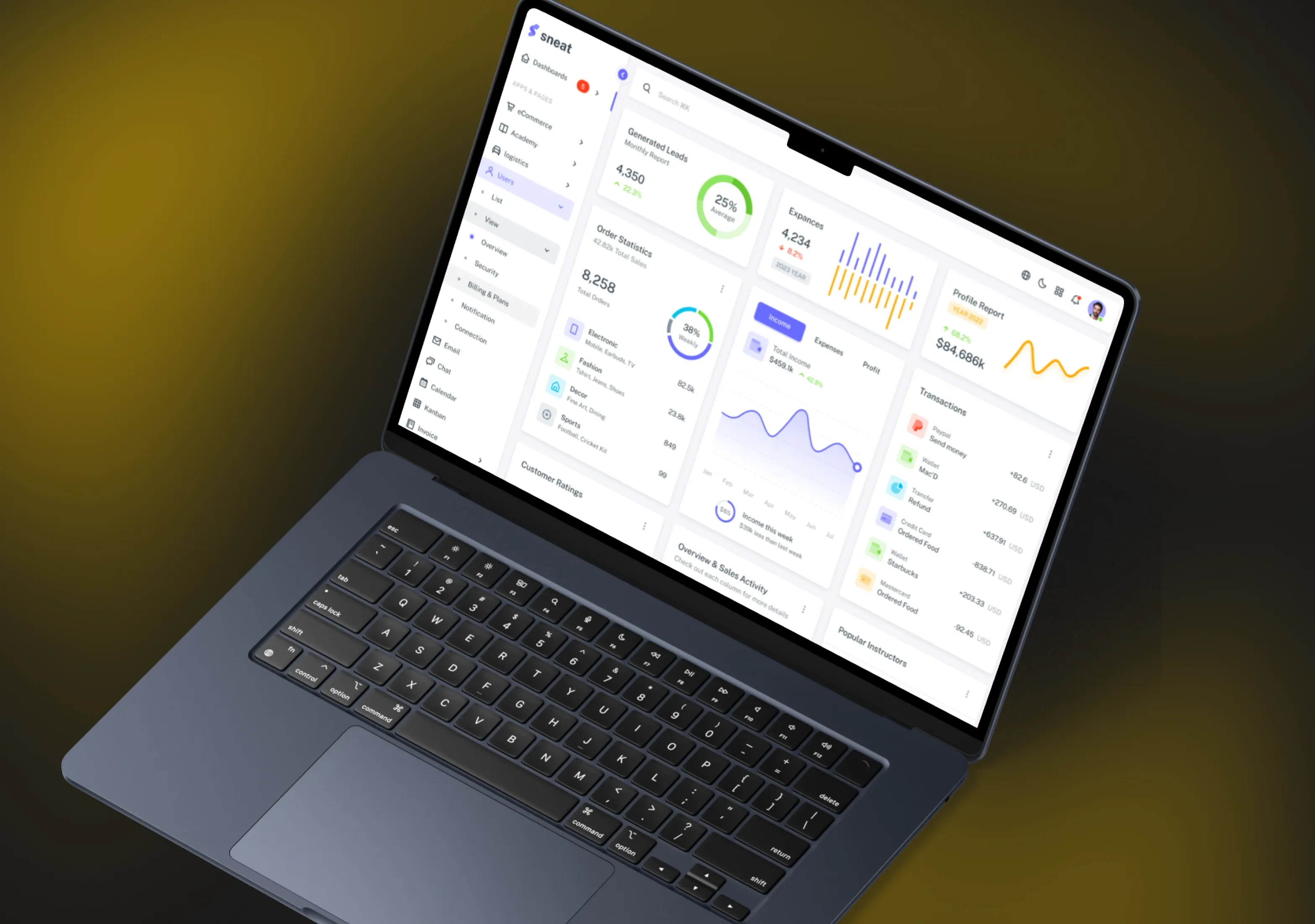
Payments, Invoices & Milestone Sign-Off

Milestone sign-off releases the invoice automatically and shows clients what they have paid.
Payments, Invoices & Milestone Sign-Off

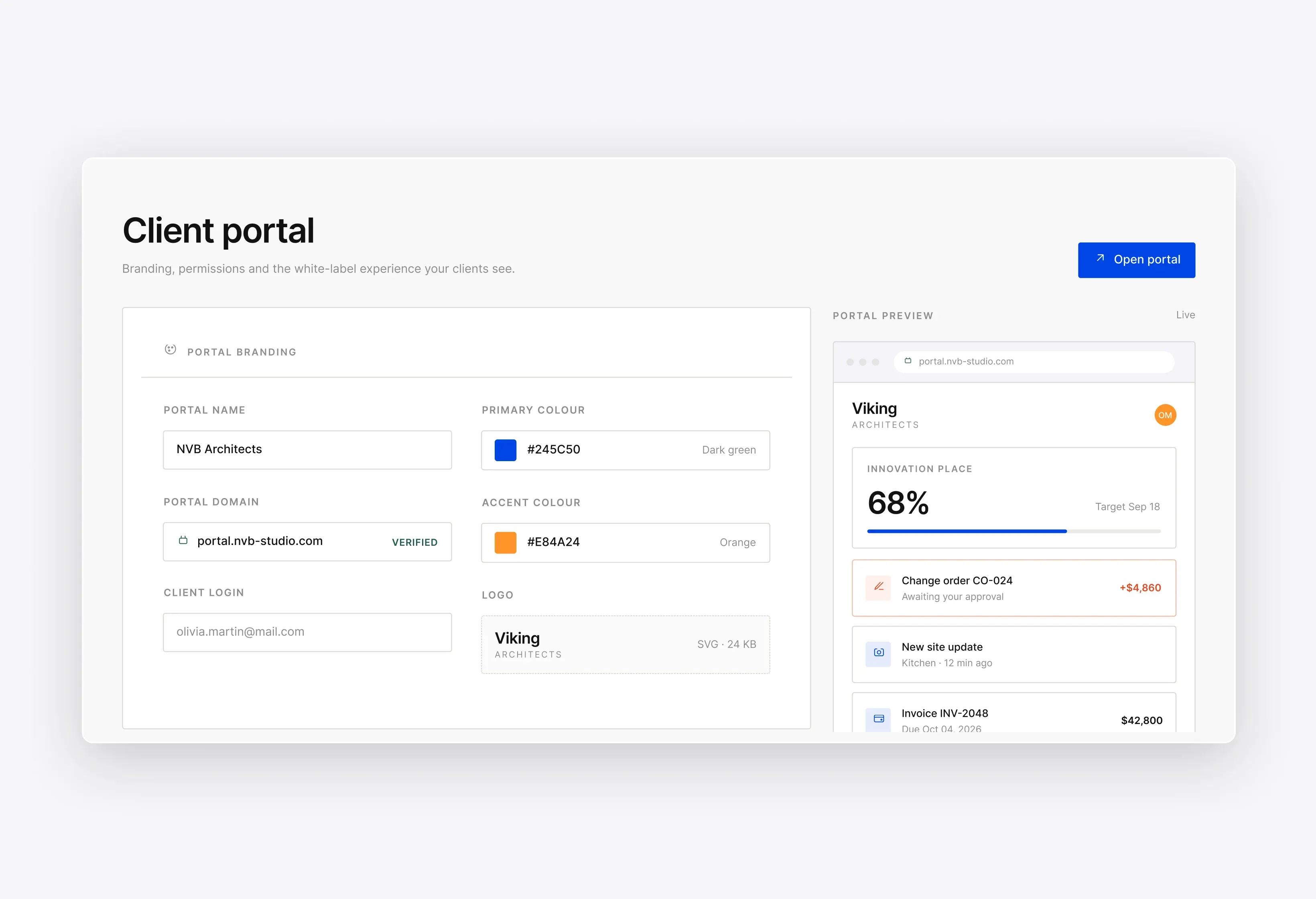
Branded, Secure Access with Role Permissions

Your branding, your domain, and permissions set per client, per project, per document.
Branded, Secure Access with Role Permissions

How It Works

Rollout starts on a live job, never a pilot sandbox that quietly dies. A construction client portal goes live on one project first, so you validate the data flows on real work before extending it across the portfolio.
Step 01

Invite the Client to Their Branded Portal

One invite puts the client on a portal carrying your logo, your domain, and only their own projects. A builder client portal app on their phone holds the same permissions, so nothing leaks between clients or trades.

  • Branded login and domain
  • Per-project access rules
  • Mobile and desktop parity
  • Named users, no sharing
Step 02

Progress, Photos and Docs Sync Automatically

Your PM keeps working in the tools they already use, and the portal pulls the client-facing slice on a set cadence. One source feeds the client view and your internal summaries, so you don't re-enter anything by hand.

  • Scheduled two-way sync
  • Client-safe field filtering
  • Photo capture from site
  • Version history retained
Step 03

Client Reviews, Comments and Approves Online

The client comments against a specific drawing, selection, or variation rather than opening a fresh email thread nobody can trace. Every approval captures who signed, when, and the exact version they approved at the time.

  • Comment on exact item
  • Cost impact shown first
  • E-signature on variations
  • Immutable decision log
Step 04

Approvals Update Cost, Schedule and the Team

An approved change order writes back to your budget and program instead of waiting for a Monday reconciliation. Your QS and site team see the revised figure in the same hour the client signs, well before month-end.

  • Write-back to budget
  • Schedule dates recalculated
  • Team notified on approval
  • Invoice trigger on milestone

Success Stories

See how teams run their builds on the software Incora shipped. A few of the construction projects we have delivered:

Proven Results

Clients stop chasing updates and start checking them.
Talk to us

11+

Years of experience

150+

Projects successfully delivered

40%

Fewer status calls and update emails

50%

Higher client satisfaction scores

Integrations

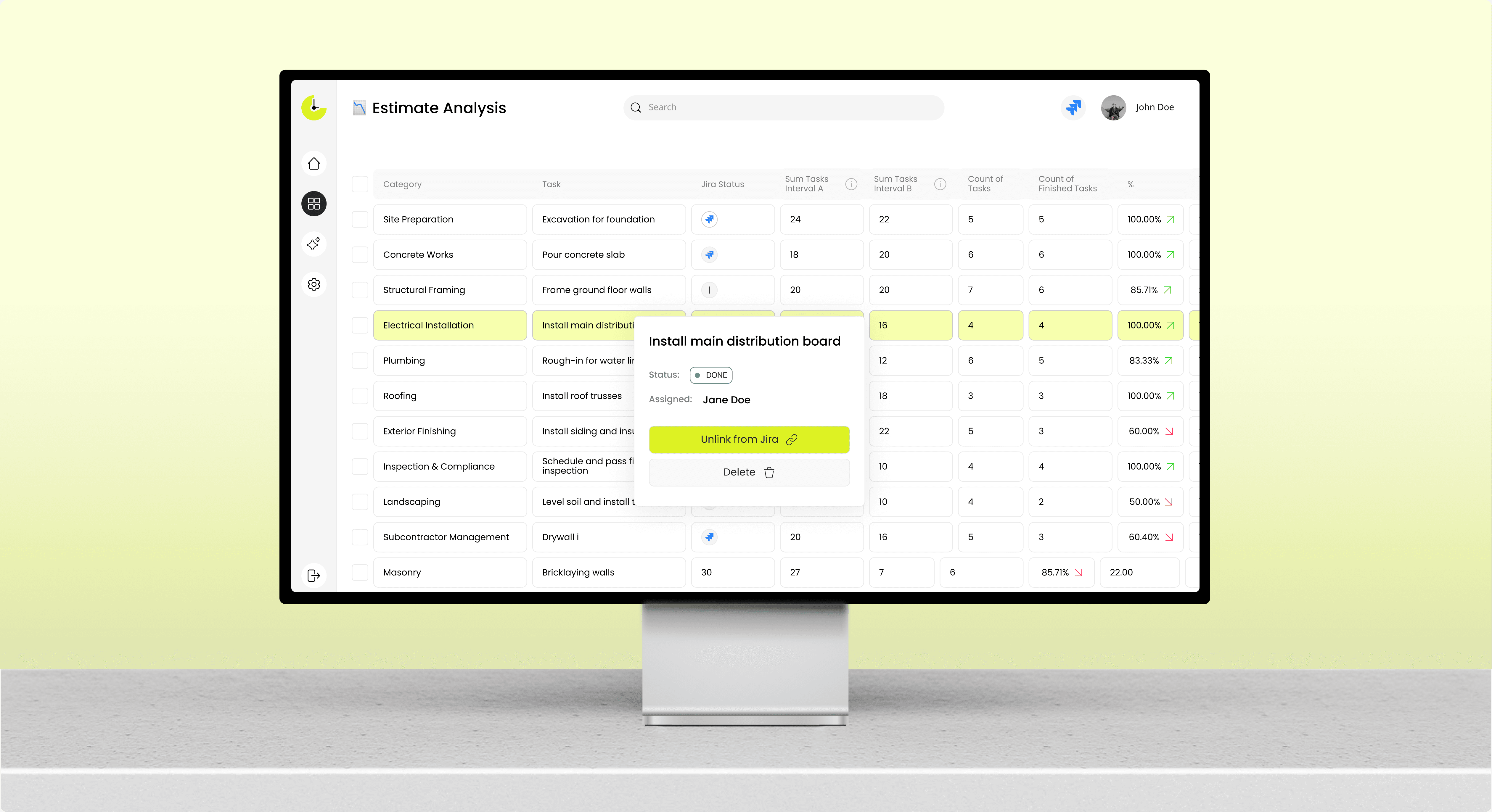
The portal sits on top of your stack rather than replacing it, which keeps procurement simple. If you already run project management software with client portal features, we connect to it and extend the client layer instead of migrating your team.
01

Project Management & Scheduling

Two-way sync with Procore, Buildertrend, MS Project or your internal scheduler keeps client dates accurate.
02

Budget, Change Orders & Accounting

Approved variations post to QuickBooks, Xero or Sage with the cost code already attached.
03

Payments & E-Signature

Stripe, ACH and DocuSign or Dropbox Sign close the loop from sign-off to cleared payment.

Ready to Take Control of Your Construction Budget?

Incora delivers custom cost platforms built around your BOQ, cost codes, and finance stack.Discover a solution

Explore Our Other Construction Solutions

The portal is one layer of a wider construction platform. It pays off most when the budget, document, and scheduling systems behind it are already connected.

Construction Cost Management Software

Real-time budget control and AI cost forecasting, built around your BOQ. Incora builds custom construction cost management software that syncs your budget, procurement, and finance data into one model. Your project managers work from the same figures as your ledger.
Learn more

Construction Document Automation

Your site teams handle drawings, invoices, and RFIs across a dozen inboxes. Incora builds construction document automation that automatically captures each file. Your data stays synced without retyping.
Learn more

Construction Scheduling Solution

Your Gantt updates itself when a supplier slips or a price moves. Incora builds construction scheduling software that keeps the field and the office on one plan.
Learn more

Construction Software Integration Solution

Connect your PM, ERP, BIM, CRM, and accounting tools in one place, with changes syncing both ways in real time. Incora builds construction software integrations on a shared data model, so you enter a figure once, and every system gets it.
Learn more

Construction Punch List & Handover Solution

Capture every snag on site, send it to the right subcontractor, and let your client sign off from their phone. Incora builds custom punch list software that runs your whole handover on one shared record, from the first defect to the final signature.
Learn more

Testimonials

See what our clients say about working with Incora and the solutions we build together.
5.0
Based on 27 reviews
Clutch (Testimonials)
Leo Kudryavtsev

Leo Kudryavtsev

Founder & Principal Solution Architect, Softrange Technology
David Park

David Park

CEO of Narada AI

Incora always delivered on time and in many cases went above and beyond to build beautiful, robust UI interfaces for us.

Maysam Lavasani

Maysam Lavasani

CEO of Lexie.ai

Incora developers are quite smart and great programmers. Both are top 10% of people I have worked with.

Daniel Bosch

Daniel Bosch

Co-Founder, Campcruisers

We've hired a programmer from Incora, who is working on all our plug-ins. I'm very happy with the one developer we've been assigned.

Thomas Hambridge

Thomas Hambridge

CEO of Health Explore

The map was designed and built in a short period of time and I was impressed with the results from the beginning.

FAQ About Construction Client Portals

What is a construction client portal?

A construction client portal is a secure, branded space where your client sees live progress, photos, documents, change orders, and payments for their own job. It replaces scattered email updates with one shared record.

Underneath, it is an access layer over your existing systems: progress and documents flow one way, approvals and comments both ways, with permissions deciding what each client sees.

That same layer can power conversational AI for construction reporting, so your internal updates come from the same data. Cost sits in integration rather than per-seat licensing, and the tradeoff is time, since a portal on your own data model takes weeks to configure, while a template can go live the same afternoon.

What should a construction client portal include?

Live progress with photos, a document and selections library, change orders with cost impact, messaging, invoices with milestone sign-off, and role-based permissions. A generic client portal builder that only moves files leaves half of that back on email.

The list is fixed because clients abandon a portal the moment one answer lives outside it. Good construction client management software has to cover the construction process from start to finish, not a slice of it, closing the loop from seeing the work to paying the milestone. Cut scope to launch faster, and you ship a photo gallery your PMs still explain by phone.

Can clients approve change orders and see cost impact?

Yes. The client sees the priced variation, its schedule effect and the revised contract total before signing.

Mechanically, the change order is raised in your budget system and mirrored to the portal with only client-facing fields exposed. Approval writes back committed cost and programme dates, then notifies the QS and site team. In a general contractor client portal, the tradeoff is governance: decide which variations a client approves directly and which need internal pricing first, or approvals outrun your cost control.

Is client data secure and access role-based?

Yes. Access is set per user, per project, and per document, so a client sees their own job and nothing about your margin.

Enforcement sits server-side on every request, with SSO or MFA on login and an audit log recording who opened which document and when. Hosting runs in your own cloud tenancy where contracts require it. In a home builder client portal, the cost of that control is administrative: someone owns the permission matrix, and access from finished projects has to be revoked on a schedule.

How is a custom portal different from Buildertrend or Houzz Pro?

Buildertrend and Houzz Pro give you a fixed portal on their data model, charged per user each month. A custom construction client portal runs on your own systems, with a one-time build cost.

The dividing line is contract fit. Packaged tools assume a residential workflow, so teams with staged payments, retainage, or joint-venture reporting end up working around the product. The effective client communication construction teams can sustain depends on that fit, and a custom build is where innovation in the construction industry actually reaches your projects, at the price of longer setup and a maintenance owner.

Ready to Give Clients Real-Time Visibility?

Bring one live project and we will map the portal to your data flows before you commit to a build.
🌐
Anastasiia Pryshliak
Senior Partnerships Manager

Just pick a time. No forms.

30 minGoogle MeetNo commitment