Incora Construction logo
Tech Consulting
Build smarter technology strategies for construction
AI Business Automation
Automate repetitive work with AI-powered workflows
Business Process Automation
Streamline workflows and reduce manual processes
AI Integration
Connect AI capabilities to your existing systems
Document Automation
Automate document creation, processing, and approvals
Cost Management Software
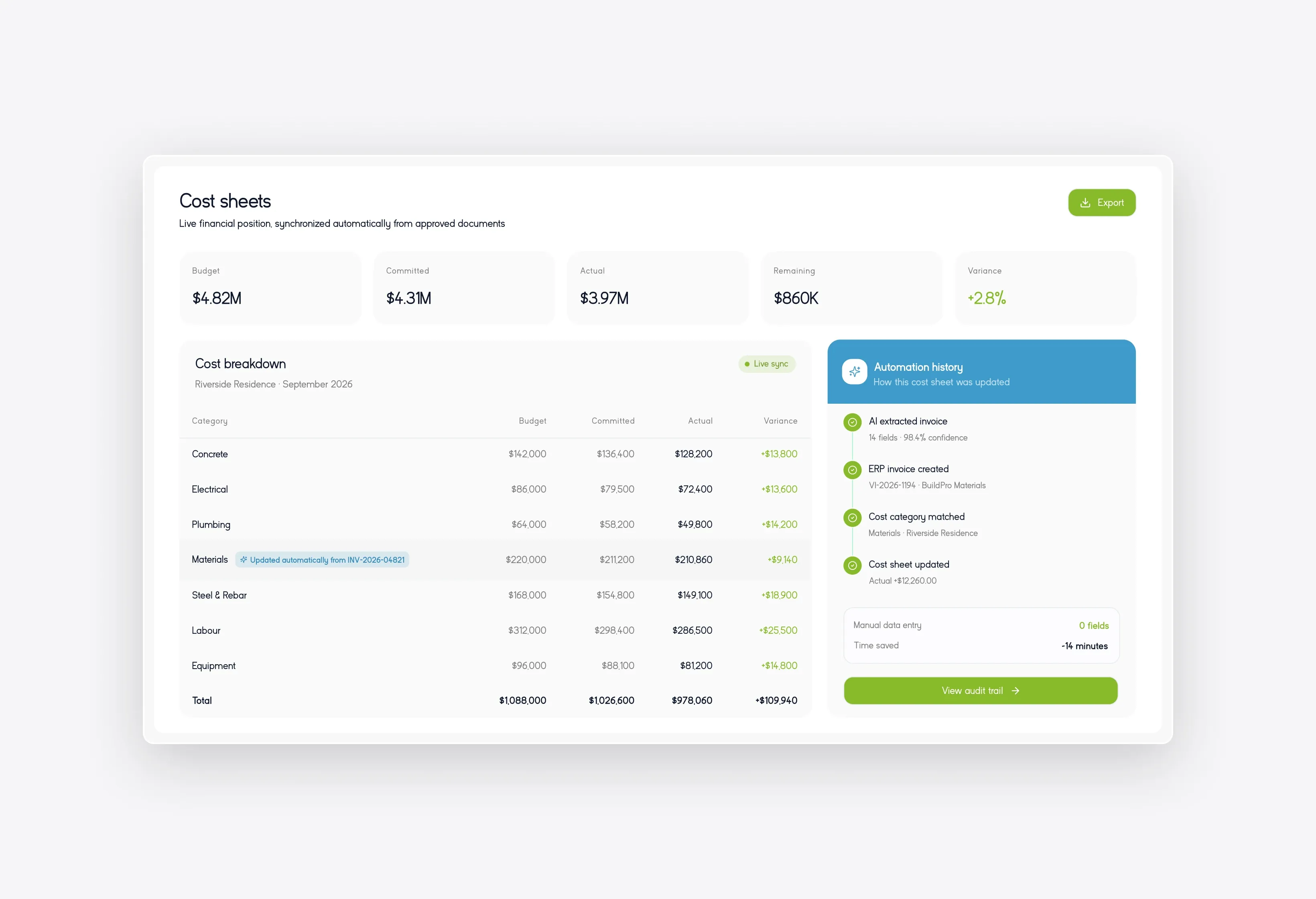
Track project costs and control budgets in real time
Client Portal
Keep clients connected with projects and updates
Scheduling
Simplify project planning, scheduling, and coordination
Punch List & Handover
Manage defects, tasks, and project handover efficiently
Software Integrations
Connect your construction tools into one workflow

Construction Document Automation

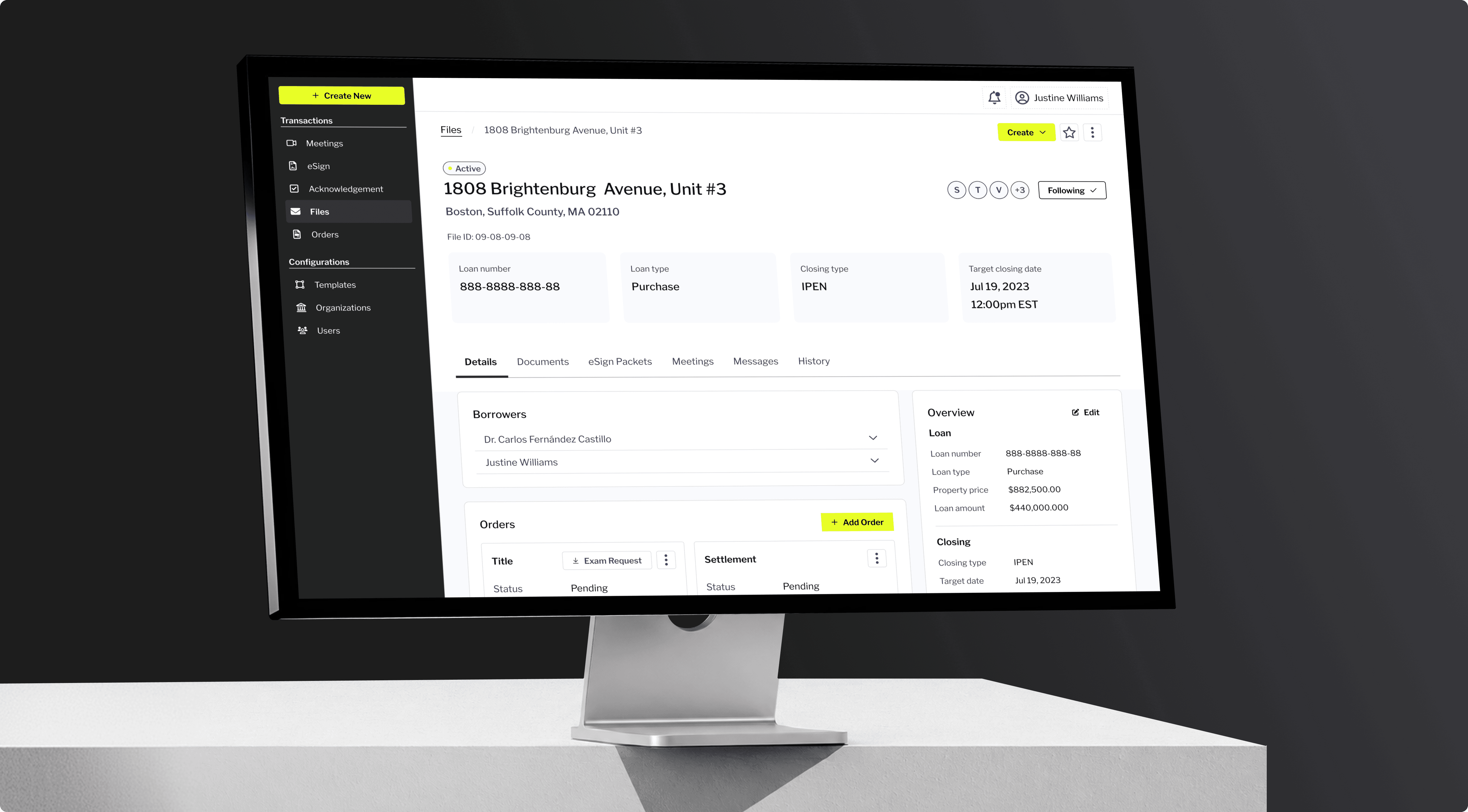
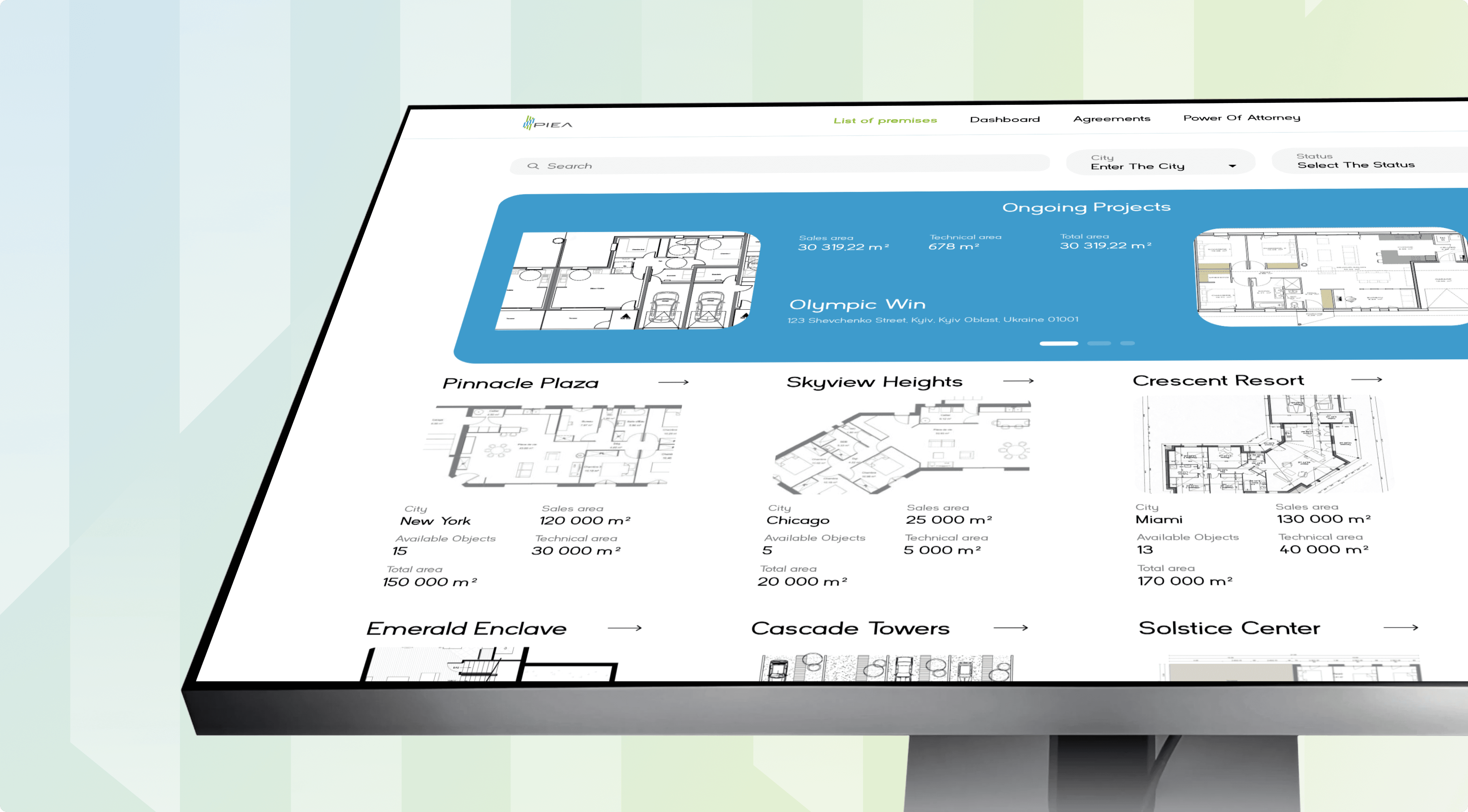
Your site teams handle drawings, invoices, and RFIs across a dozen inboxes. Incora builds construction document automation that automatically captures each file. Your data stays synced without retyping.
Construction Document Automation
ClutchG2GoodFirmsUpwork

The Hidden Cost of Manual Document Handling on Site

Weak document control in construction turns a normal week of drawings and invoices into rework. Your project managers rekey figures instead of protecting margin.
challenge #1

Scattered Documents

One contract lives in Outlook, SharePoint, and a laptop at once.
solution #1

Centralized Repository

Every file sits in one store with the current version locked.
challenge #2

Manual Data Entry

Someone retypes every receipt. One wrong digit hits your forecast.
solution #2

AI Extraction

The model reads each file and posts the figures for you.
challenge #3

Wrong Version on Site

Crews build to last week's drawing. The rework lands on you.
solution #3

Version Control

The field only opens the current set. Stale details never ship.

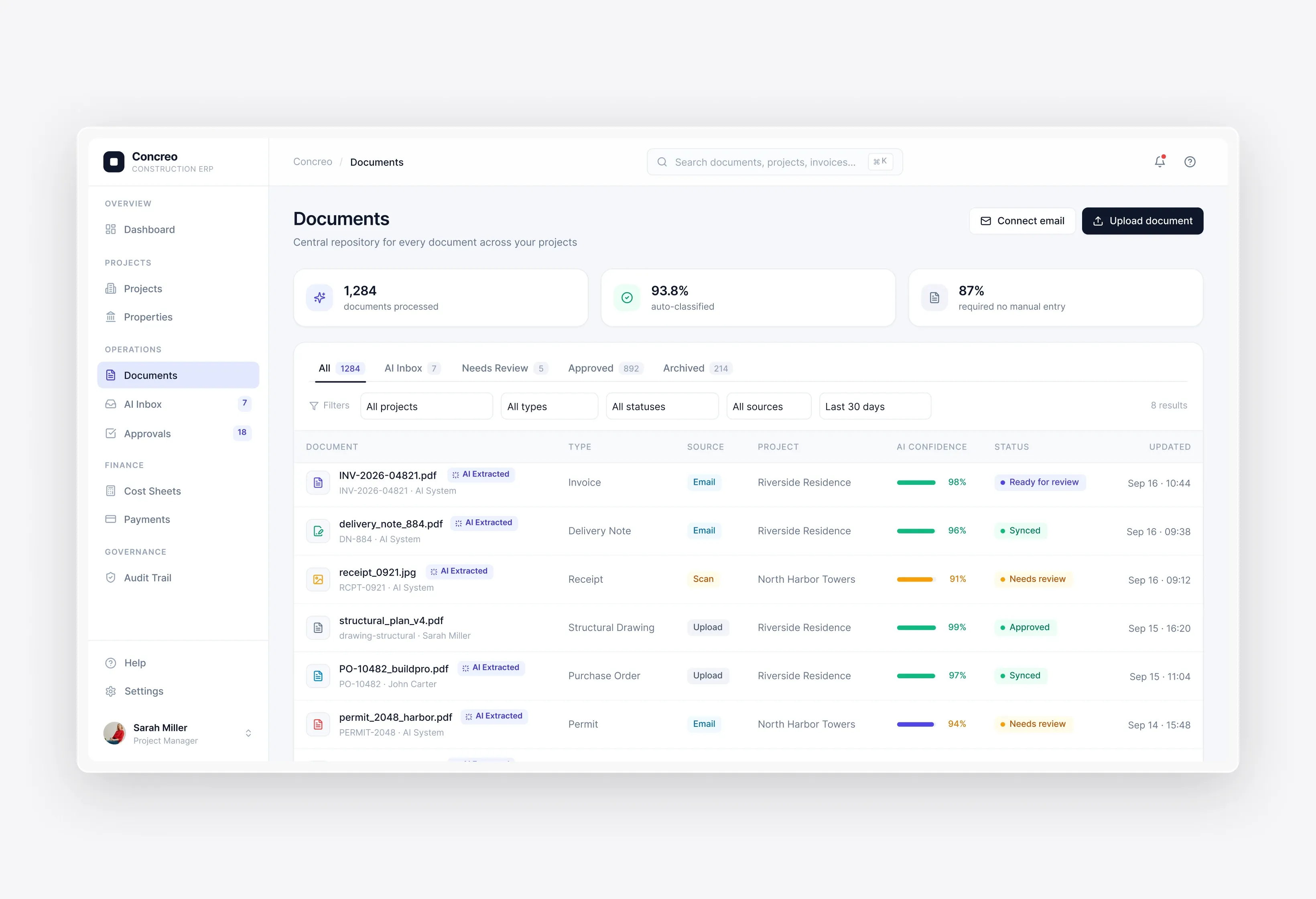
AI Document & Receipt Extraction (Email, PDF, Scans)
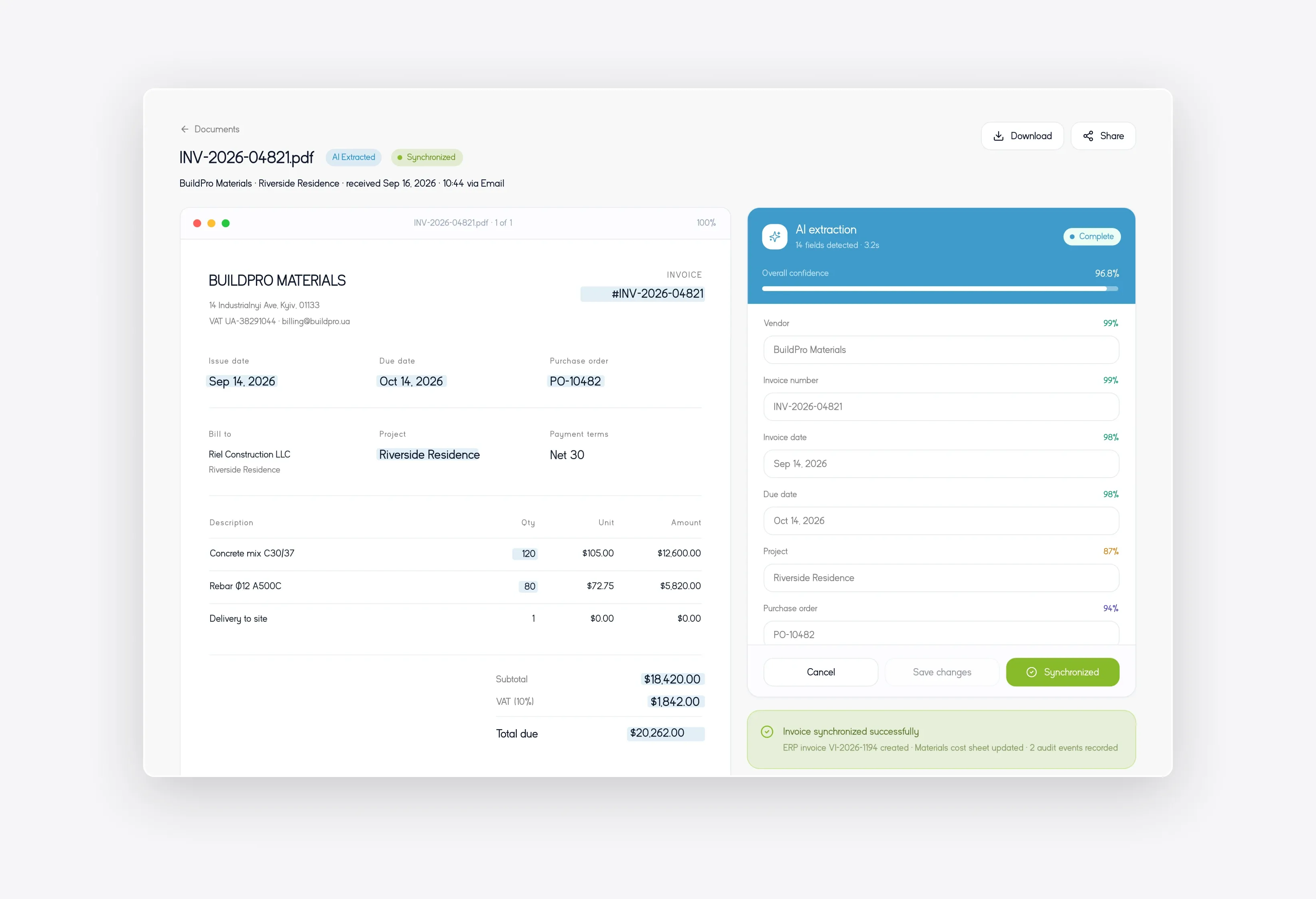
The model reads invoices, delivery notes, and receipts from any source.
AI Document & Receipt Extraction (Email, PDF, Scans)

Zero Manual Data Entry & Auto-Sync

Extracted values write straight into your ERP and cost sheets.
Zero Manual Data Entry & Auto-Sync

Centralized Repository & Version Control

Every drawing lives in one store with superseded revisions locked.
Centralized Repository & Version Control

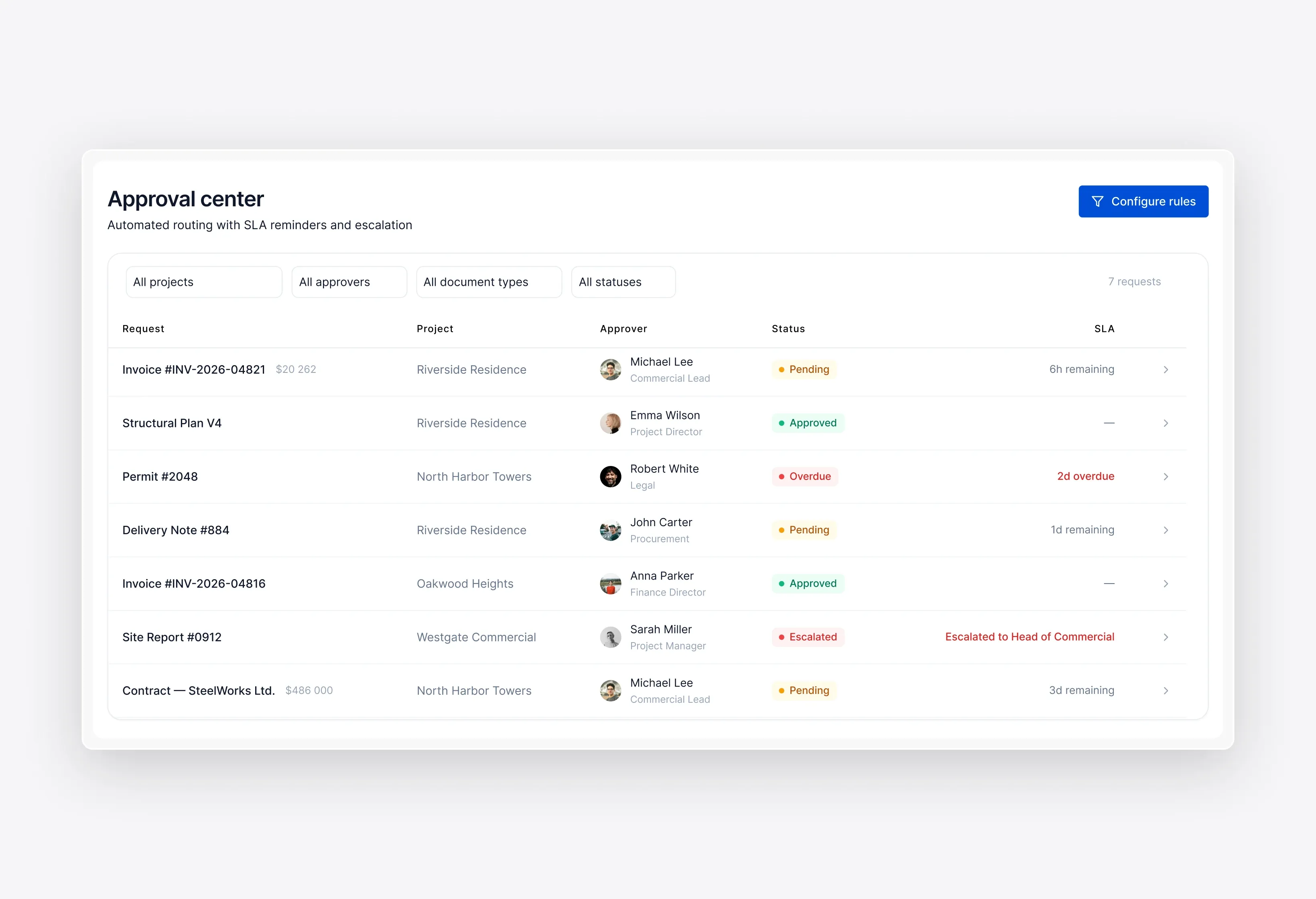
Automated Routing, Approvals & Reminders

Stalled approvals escalate to your commercial lead automatically.
Automated Routing, Approvals & Reminders

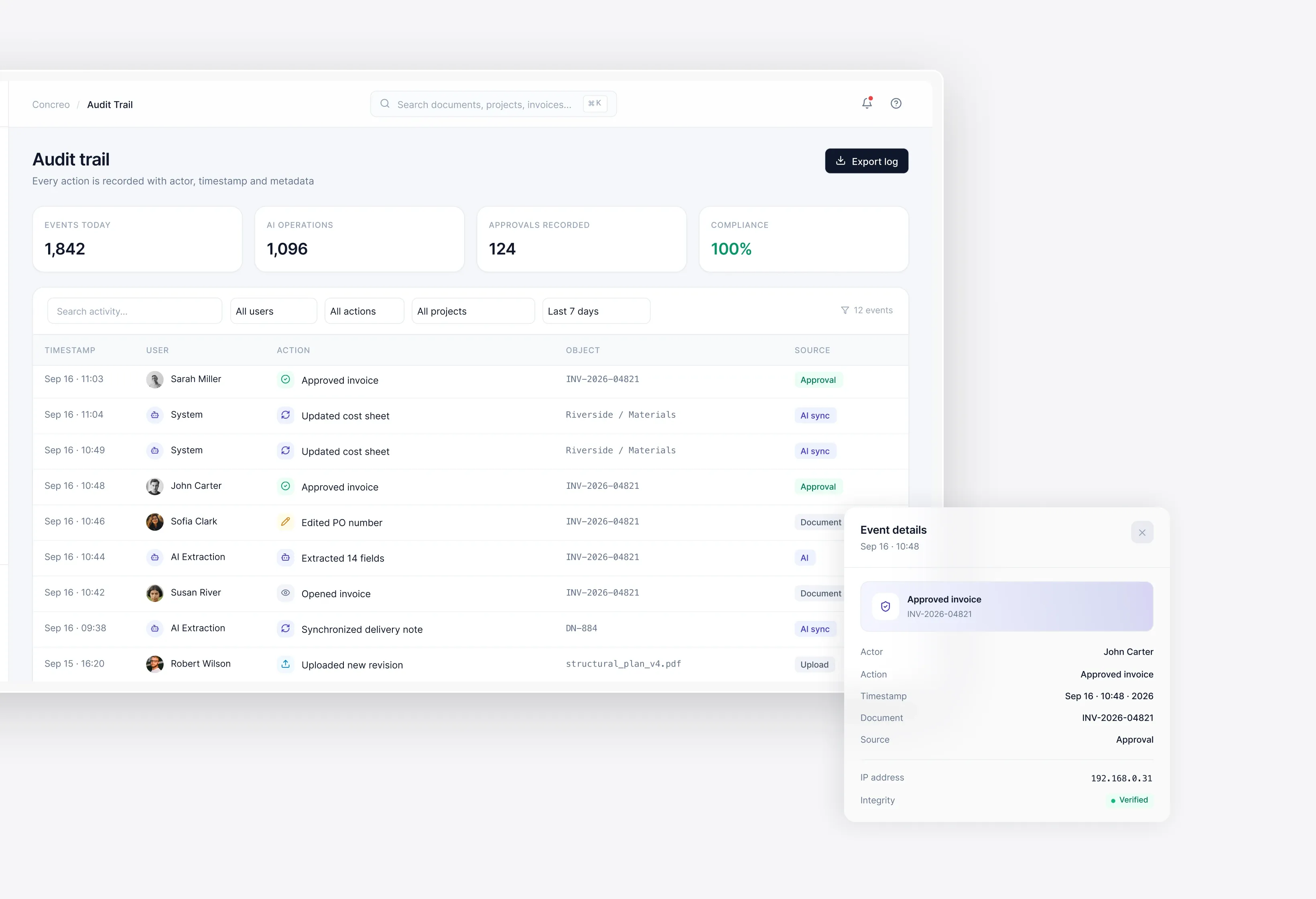
Search, Audit Trail & Compliance

Every open, edit, and approval carries a user and timestamp.
Search, Audit Trail & Compliance

How It Works

Four stages move you from scattered files to a clean audit trail. Good document management for construction begins with the sources you already use, so nothing migrates in week one.
Step 01

Connect Your Email, Drives & Document Sources

We connect the inboxes and folders your team already uses. No migration is required in week one. Existing files stay where they are. Access rules carry over.

  • Gmail and Outlook inboxes
  • Drive and SharePoint folders
  • Shared network drives
  • Scanner and mobile uploads
Step 02

AI Captures and Extracts Data Automatically

The model classifies each incoming file by type. It extracts the fields that matter to your cost model. Confidence scores flag anything uncertain. You approve edge cases only.

  • Invoice and receipt fields
  • Supplier and contract matching
  • Handwriting and scan OCR
  • Confidence scoring per field
Step 03

Documents Route, Sync & Version Without Manual Entry

Approved data writes to your ERP and project records. Routing follows your existing approval chain. Each revision supersedes the last automatically. The field sees one current version.

  • Rule-based approval routing
  • Two-way ERP sync
  • Automatic version supersession
  • Deadline reminders and escalation
Step 04

Find Any Document with a Full Audit Trail

Search by supplier, project, or date across every source. Results include scanned and handwritten content. Every action carries a user and timestamp. Claims evidence assembles without a manual hunt.

  • Full-text search across sources
  • Filter by project or supplier
  • Immutable action log
  • Exportable compliance reports

Success Stories

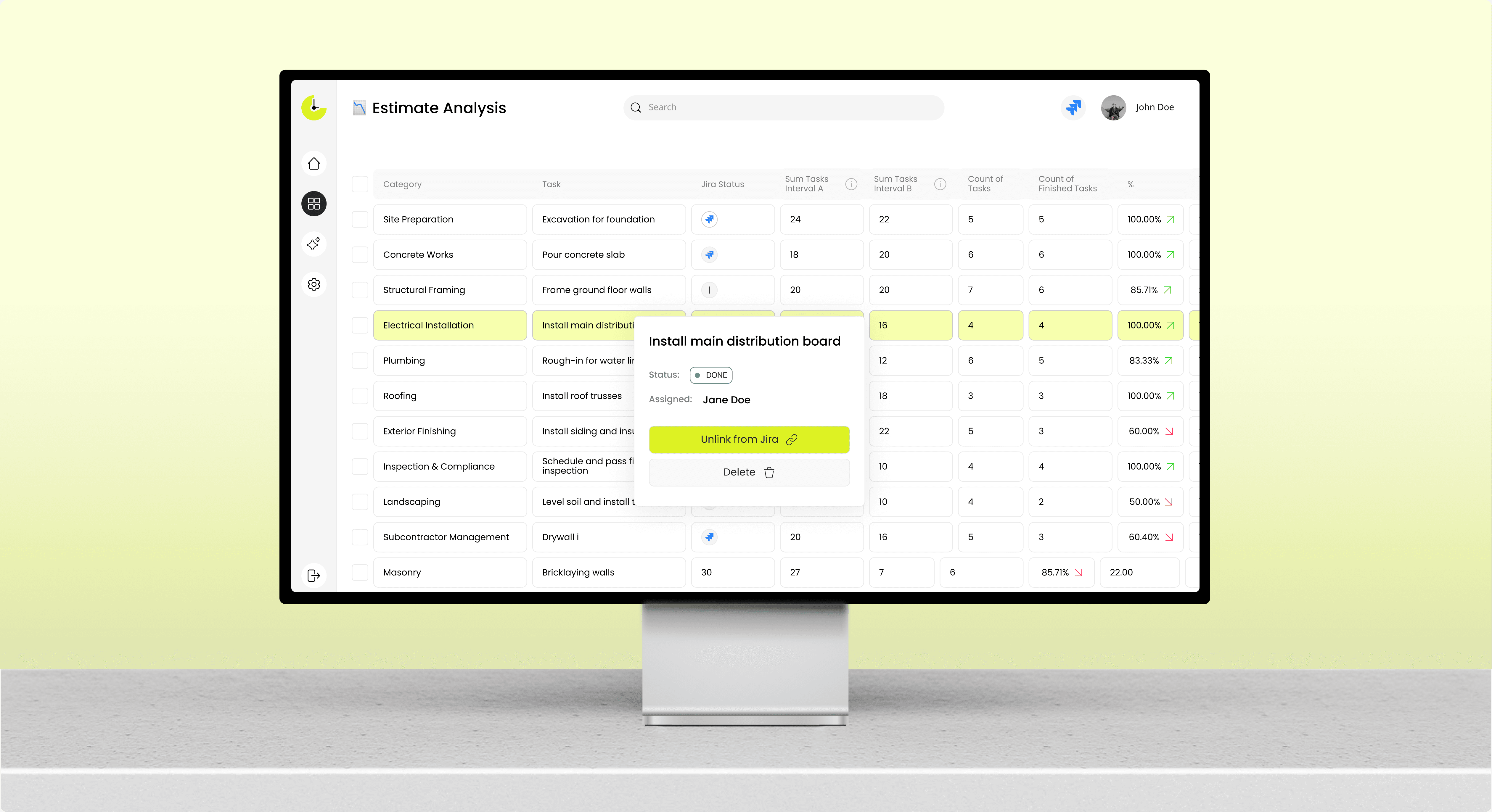
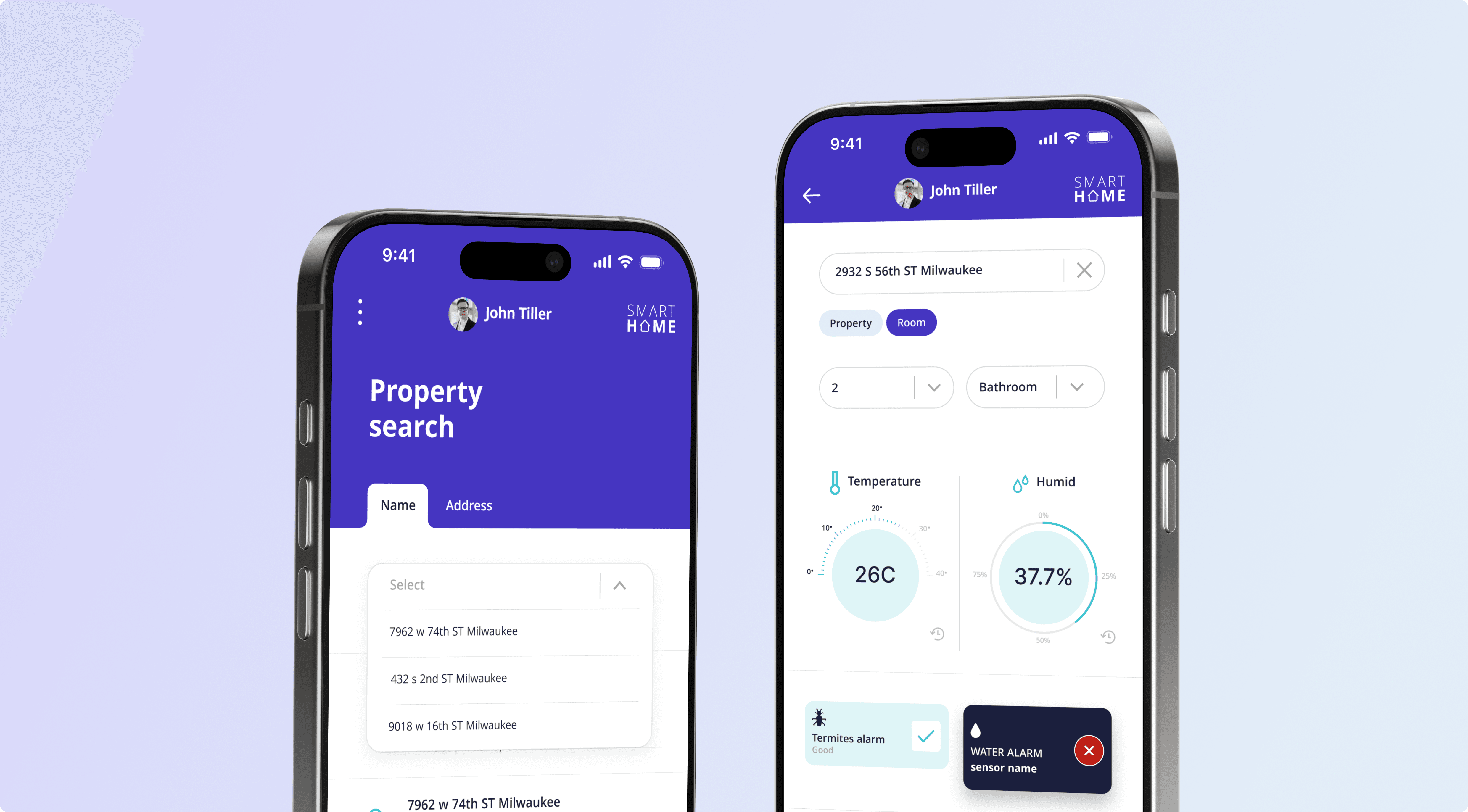
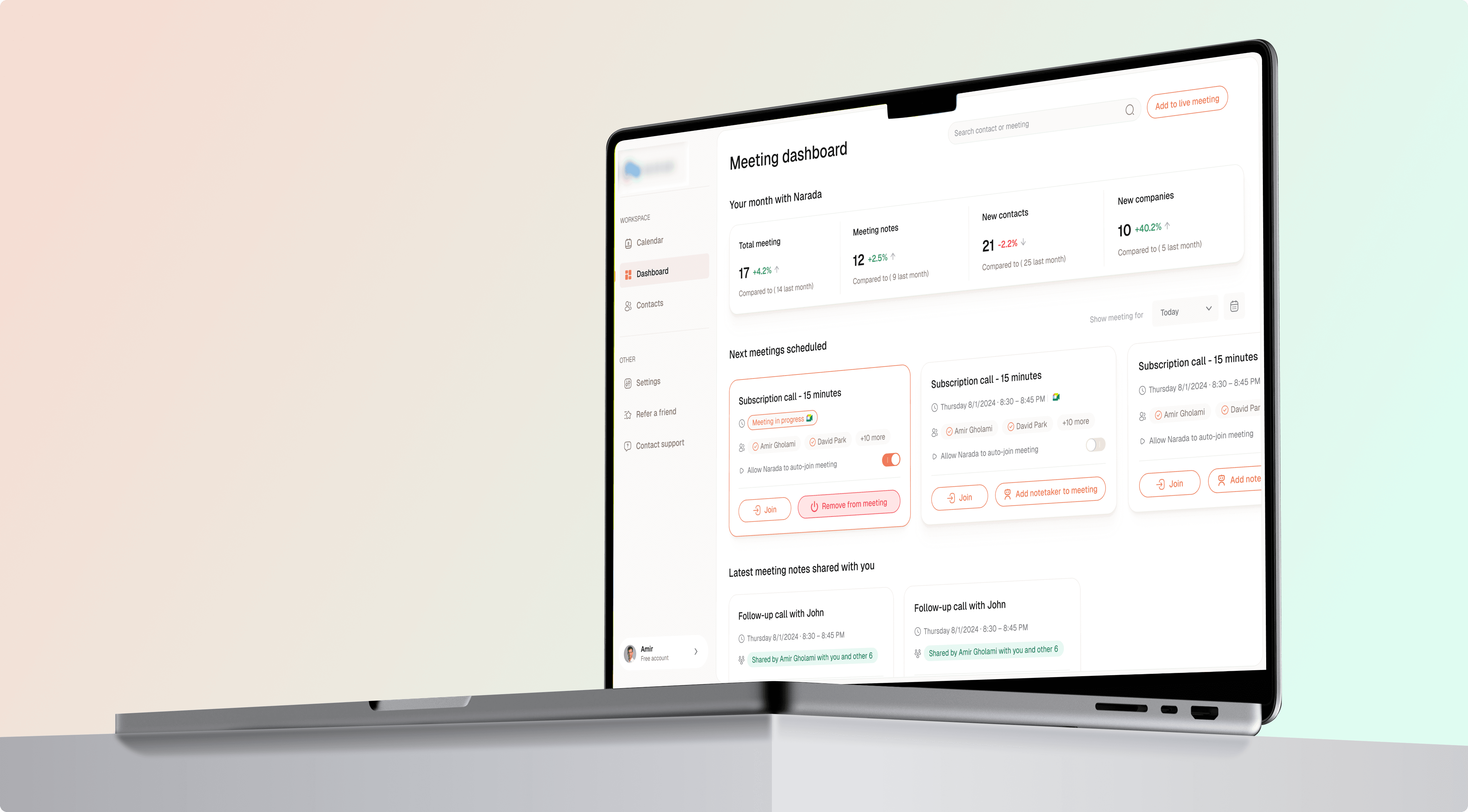
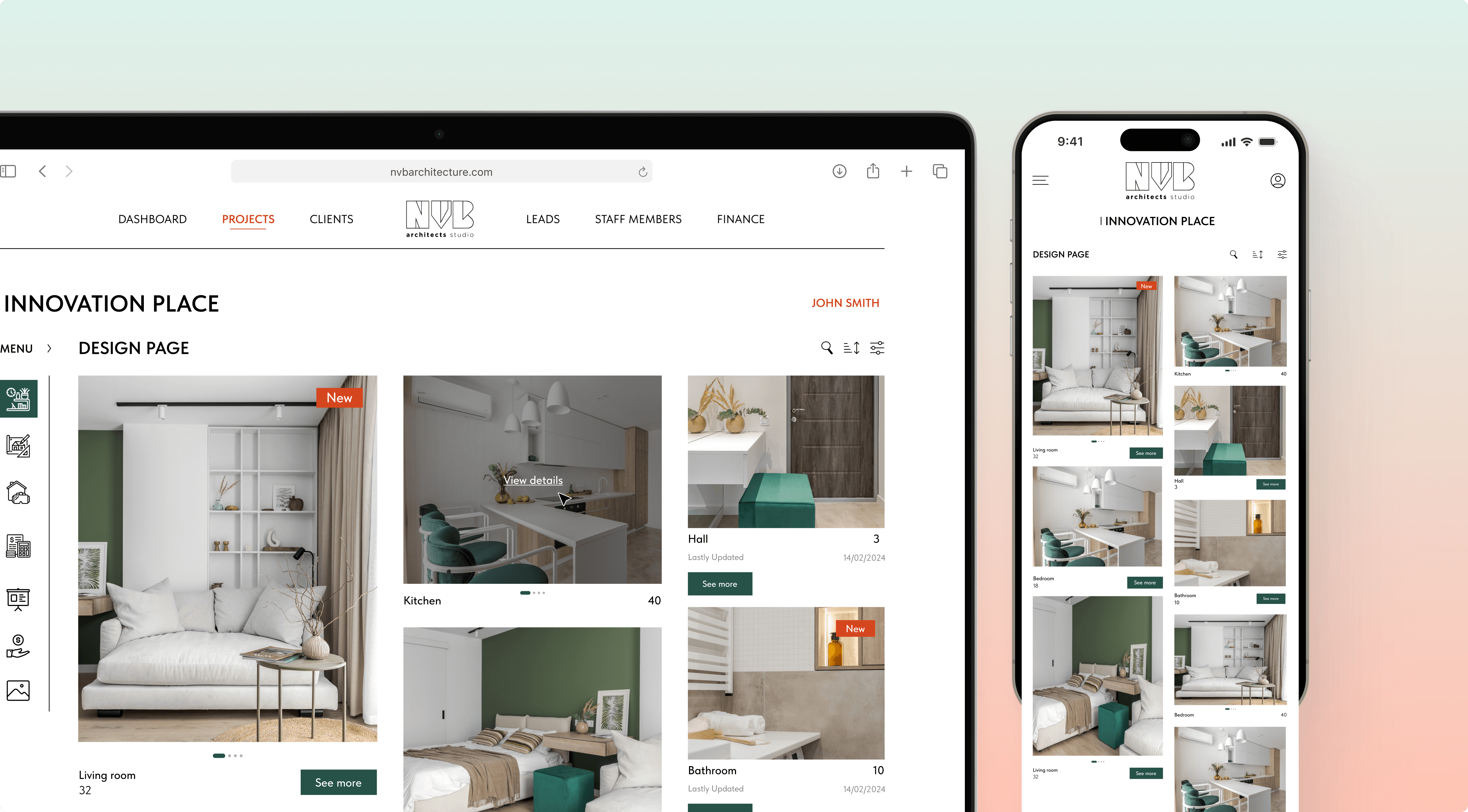
See how teams run their builds on the software Incora shipped. A few of the construction projects we have delivered:

Proven Results

What changes after teams tighten construction document control:
See yourself

11+

Years of experience

150+

Projects successfully delivered

90%

Fewer manual double entries

2x

Faster document turnaround

Integrations

Incora writes extracted data into the systems you already run. Any construction document management software that cannot reach your ERP just relocates the retyping.
01

Email & Cloud Storage (Gmail, Outlook, Drive, SharePoint)

We watch nominated inboxes and folders for new attachments. Capture starts the moment a file lands. Original files stay in place. Nothing needs a separate upload step.
02

ERP & Accounting (SAP, Sage)

Approved invoice data posts straight into SAP or Sage. Cost codes map to your existing chart. Two-way sync keeps both records current. Your finance team stops rekeying.
03

BIM & Project Management Tools (Autodesk, Procore)

Drawing revisions sync with Autodesk and Procore records. A superseded sheet updates in both places. Your model and your document store stay aligned. No parallel version survives.

Ready to Take Control of Your Construction Budget?

Incora delivers custom cost platforms built around your BOQ, cost codes, and finance stack.Discover a solution

Explore Our Other Construction Solutions

Document automation rarely arrives alone. Most clients pair it with cost or procurement work. Solid document management for construction feeds every other module you run.

Construction Cost Management Software

Real-time budget control and AI cost forecasting, built around your BOQ. Incora builds custom construction cost management software that syncs your budget, procurement, and finance data into one model. Your project managers work from the same figures as your ledger.
Learn more

Construction Client Portal Solution

Give every client a live view of their build without adding a single status call to your week. Incora builds a custom construction client portal that pulls progress, photos, approvals, and change orders straight from the systems your team already runs.
Learn more

Construction Scheduling Solution

Your Gantt updates itself when a supplier slips or a price moves. Incora builds construction scheduling software that keeps the field and the office on one plan.
Learn more

Construction Software Integration Solution

Connect your PM, ERP, BIM, CRM, and accounting tools in one place, with changes syncing both ways in real time. Incora builds construction software integrations on a shared data model, so you enter a figure once, and every system gets it.
Learn more

Construction Punch List & Handover Solution

Capture every snag on site, send it to the right subcontractor, and let your client sign off from their phone. Incora builds custom punch list software that runs your whole handover on one shared record, from the first defect to the final signature.
Learn more

Testimonials

See what our clients say about working with Incora and the solutions we build together.
5.0
Based on 27 reviews
Clutch (Testimonials)
Leo Kudryavtsev

Leo Kudryavtsev

Founder & Principal Solution Architect, Softrange Technology
David Park

David Park

CEO of Narada AI

Incora always delivered on time and in many cases went above and beyond to build beautiful, robust UI interfaces for us.

Maysam Lavasani

Maysam Lavasani

CEO of Lexie.ai

Incora developers are quite smart and great programmers. Both are top 10% of people I have worked with.

Daniel Bosch

Daniel Bosch

Co-Founder, Campcruisers

We've hired a programmer from Incora, who is working on all our plug-ins. I'm very happy with the one developer we've been assigned.

Thomas Hambridge

Thomas Hambridge

CEO of Health Explore

The map was designed and built in a short period of time and I was impressed with the results from the beginning.

FAQ About Construction Document Management Software

What is construction document management software?

Construction document management software stores, versions, and routes every project file in one place, covering drawings, contracts, invoices, and RFIs. Teams use it to control which revision reaches the field, and modern versions also extract data from those files automatically.

The difference now sits in capture. Older systems ask a person to upload and tag each file, while document management software for construction with AI reads the file on arrival. Manual upload keeps the bottleneck with your site team; automatic capture from email moves that work to the model.

Storage alone was never the hard part. Naming discipline and version control fail when people are busy, and per-seat licenses look cheap until you add every foreman. A custom build prices the project instead of the headcount.

How does AI document automation work in construction?

AI reads each incoming document, classifies it by type, and extracts named fields such as supplier, amount, and cost code. Those values post into your ERP after an approval rule runs, with construction document management sitting underneath as the storage and version layer.

Extraction runs in three passes. The model classifies the file, reads the fields, and checks them against your supplier list. Anything below your confidence threshold waits for a person, and you set that threshold per document type: invoices usually sit high, delivery dockets lower during the first month. Our guide to AI construction document review covers that logic in detail.

Accuracy then depends on your document mix. Clean digital invoices extract reliably from week one, while handwritten dockets need a training period on your own samples, and your corrections feed the model every week. Teams comparing document control software construction vendors should ask for accuracy on their own files, since a generic platform never sees your suppliers or your formats.

Can it capture data from PDFs and emails automatically?

Yes. The system monitors nominated inboxes and cloud folders, and any new PDF, scan, or photo triggers extraction within seconds. Fields land in your cost model with an attached confidence score.

A watcher sits on each nominated inbox and folder, so photos from a phone follow the same path as email attachments, and nobody forwards anything to a separate address. Duplicate files match on supplier and invoice number, and the second copy links to the first instead of creating a record.

Two limits are worth knowing. Very poor scans still need a human check, and password-protected supplier portals need credentials or an API key; we handle both during scoping. Buyers evaluating document control software construction teams will actually use should test the worst files first, so send us a sample batch, and we will show the extraction rate.

How is a custom solution different from Procore, Bluebeam, or Autodesk?

Those platforms give you a fixed workflow and a per-seat price. A custom build matches your approval chain and naming conventions and connects to the ERP you already run, where construction project document management software from a vendor rarely bends that far.

The honest tradeoff is start time. A platform runs in days, while a custom build takes weeks of scoping and integration work. Everything after that point favors the custom route: your cost never grows with headcount, and your data stays in your own database.

Unlike off-the-shelf construction document control software, your solution evolves around your workflows and integrations. Most clients come to us after a platform blocked one critical integration, and that workaround usually costs more than the build.

Can it integrate with our email, storage, and ERP?

Yes. We build connectors for Gmail, Outlook, and SharePoint, and ERP work covers SAP and Sage through their published APIs. Older on-premise systems connect through a middleware layer we write, so nothing in your current stack needs replacing.

Integration effort drives most of the timeline, and any document control software for construction depends on what your ERP exposes. A documented API takes days to wire; a legacy system without one takes weeks of reverse engineering. Getting this right is what keeps a BOQ in construction readable to your commercial and site teams at once, since both work from one synced record.

Sync direction matters as well. One-way writes are simpler and cheaper to build, while two-way sync needs conflict rules for records edited in both systems. Agree those rules with your finance lead early, since they decide which system wins on a clash, and you get the connector code with the build.

Ready to Automate Your Construction Documents?

Bring one live project and we will map the capture points to your data flows before you commit to a build.
🌐
Anastasiia Pryshliak
Senior Partnerships Manager

Just pick a time. No forms.

30 minGoogle MeetNo commitment